JPG To PDF : PNG To JPG/PDF
image_converter.jpeg_converter.jpacconverter
View detailed information for JPG To PDF : PNG To JPG/PDF — ratings, download counts, screenshots, pricing and developer details. See integrated SDKs and related technical data.

Screenshots
Description
Image converter is an android app that will help you to convert images from one format to another like JPG/JPEG/PNG /PDF/Web. The JPG format is one of the most popular formats that are to be used mostly. The converting process of this app is too fast because it does not take too much time to convert images within a few seconds and get quality and original images.
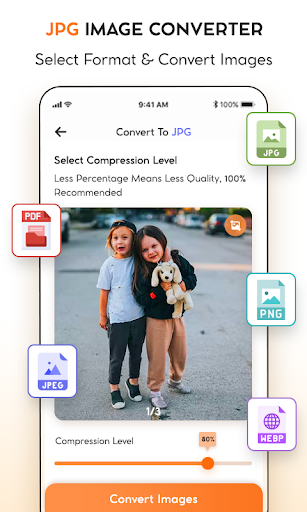
The image converter application will allow you to adjust the resolution and image size that you need. so the image converter application is the perfect solution for all the image conversions that you need. With the help of this app, You can easily and quickly convert images to JPEG, PNG, /PDF/Web, and JPG. The Image converter app is user-friendly and easy to use the app and it's making it an ideal choice for those who need to convert images in bulk.
Main Funcationality
⦁ JPEG Converter
⦁ PNG Converter
⦁ JPG Converter
⦁ PDF Converter
⦁ Web Converter
⦁ expert JPEG
⦁ expert JPG
How to Use the Image Converter to JPG/JPEG/PNG
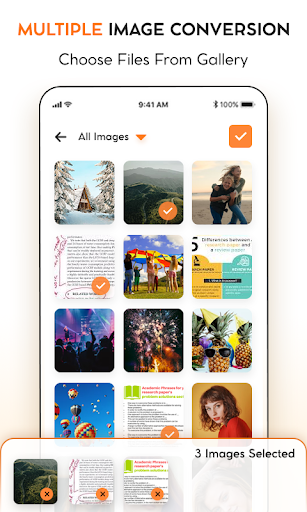
⦁ Open the application and select the image you want to convert to JPG/JPEG/PNG format. You can either select an image from your device's gallery or take a new picture using the camera.
⦁ Once you have selected the image, tap on the "Convert" button.
⦁ The image converter will start the conversion process and display a progress bar.
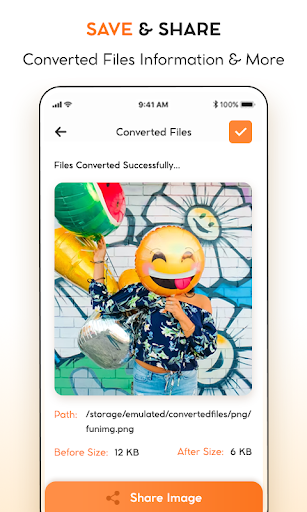
⦁ When the conversion is complete, tap the "Save" button to save the JPG/JPEG/PNG image to your device's gallery.
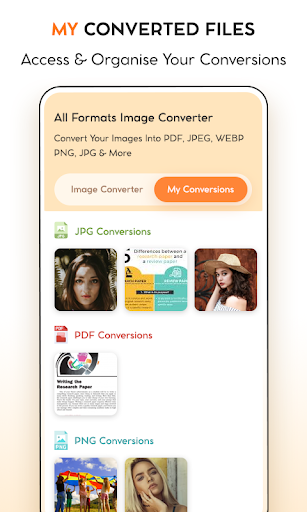
⦁ You can now access the converted image from your device's gallery and share it with others or use it for other purposes.
⦁ You can also adjust the JPG/JPEG/PNG image quality by using the application's settings option.
⦁ With this application, you can easily convert multiple images to JPG/JPEG/PNG format in just a few clicks.