ICSee (for visual impairments)
gr.scify.icsee
View detailed information for ICSee (for visual impairments) — ratings, download counts, screenshots, pricing and developer details. See integrated SDKs and related technical data.

Screenshots

Description
***CAUTION: I Can See is NOT an app for surveillance cameras / monitoring.***
*** We have been receiving messages that people try to download and use it for monitoring cameras. BUT our I Can See app is not for this purpose; it is addressed to people with low vision (visual impairments) - please read description below ***
Do you have a severe visual impairment? Use I Can See to see more clearly: read a menu, a sign or find the right doorbell wherever you are.
How does it work?
*** In order for the required image edit to be possible, you will need to download and install the OpenCV Manager app (which is free as well). If not installed, you will be prompted to download it as soon as the I Can See app starts for the first time. ***
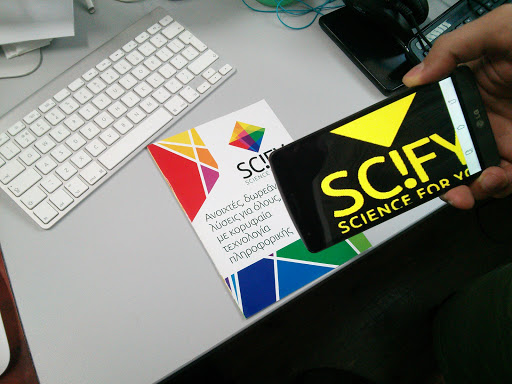
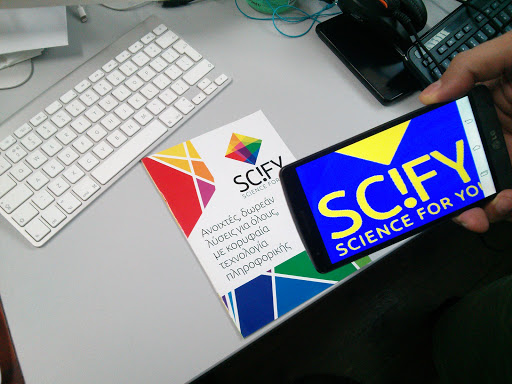
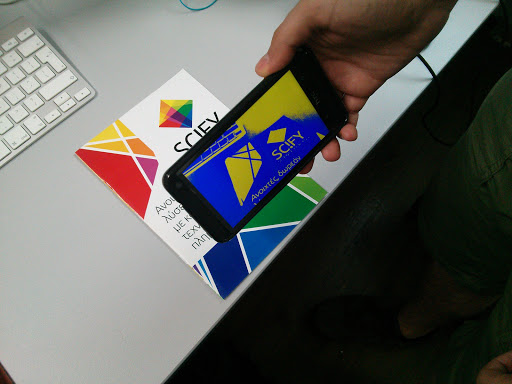
I Can See applies special filters to the real-time image taken from the camera of the smartphone/ tablet, making identifying indiscernible objects and texts easier.
You just direct the camera of your device to the point you want and… that was it! The app processes the image on the screen according to your needs, and provides in real time an image that is easier to see! You can increase the contrast, focus, change filters until you find the one that suits you best. Additionally, you can capture the current image by holding your finger on the screen until the capturing audio clip has been sound and zoom in and out on the captured image. In order to return to the live-preview functionality, just hold your finger on the screen until you hear the sound, or simply press “Back”.
The app automatically remembers the last filter you used to capture an image so it starts from that one.
Auditory Interface: Audio tutorial guides you through the app in English or Greek based on your device language, and sound signals to inform you when you apply a new filter, freeze or unfreeze the image.
Tip: It’s always good to have a person without visual impairments to help you the first time you use I Can See. This will dramatically improve the user experience.
Why is I Can See unique?
It gives you 8 filters to choose from and allows you to freeze or unfreeze the image. With I Can See you can now read text, check your receipts, even identify an image or a stamp regardless of the surface. Also, you can use it anytime since it doesn’t require an internet connection to work. Lastly this app is an open source project by SciFY NPO.