TIFF Converter: Image to TIF
ebusky.tiffimageviewer
View detailed information for TIFF Converter: Image to TIF — ratings, download counts, screenshots, pricing and developer details. See integrated SDKs and related technical data.

Screenshots

Description
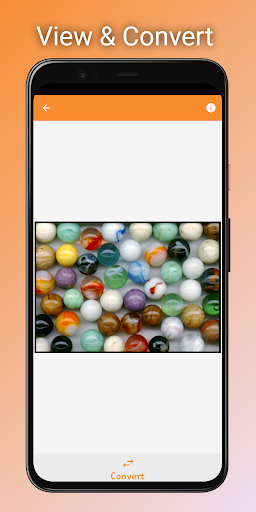
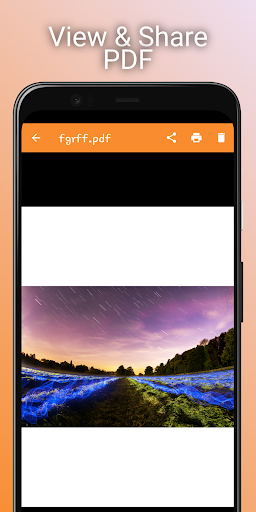
TIFF Viewer - TIFF Converter for Android allows you to view and print large TIFF files and convert TIFF images to PDF, JPG, PNG, BMP, and WEBP formats.
TIFF File Viewer - TIFF to JPG is a fast and lightweight TIFF file viewer and converter for Android.
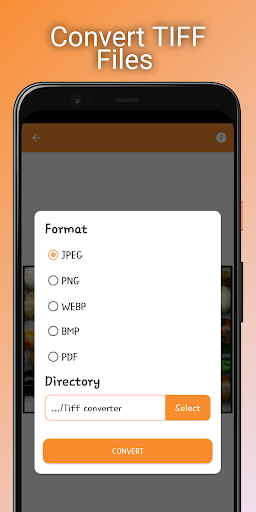
TIFF files can be opened using the system's built-in file browser, or the app can be launched from an external application. Multi-page TIFF files can be converted to PDF, PNG, WEBP, BMP, and JPEG.
Features:
• Supports batch conversion of TIFF image files
• Supports batch conversion of multi-page TIFF files
Supported conversion formats:
• TIFF Image to PDF
• TIFF Image to JPEG
• TIFF Image to BMP
• TIFF Image to PNG
• TIFF Image to WEBP
• Multi-page TIFF File to PDF
• Multi-page TIFF File to JPEG
• Multi-page TIFF File to BMP
• Multi-page TIFF File to PNG
• Multi-page TIFF File to WEBP
TIFF Viewer - TIFF Converter supports a wide range of image compressions, including:
CCiTT G3
CCiTT G4
LZW
Deflate
JPEG
Old-JPEG
How to Use TIFF Viewer - TIFF Converter
• Click on the "Open TIFF" button to select a TIFF file for viewing.
• Click on the "Convert" button, select the conversion format and directory, then click "Convert".
• To select and convert multiple TIFF image files at once, click on the "Converter" tab, select the TIFF files to convert, then click "Convert".