Tiff Image Viewer: Tiff to jpg
ebusky.tiff.image.file.viewer.jpg.converter
View detailed information for Tiff Image Viewer: Tiff to jpg — ratings, download counts, screenshots, pricing and developer details. See integrated SDKs and related technical data.

Screenshots

Description
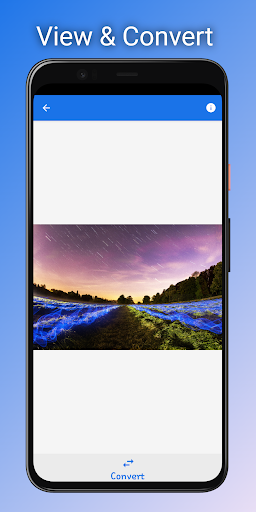
TIFF Image Viewer - Tiff to JPG is a fast, lightweight Tiff file viewer and converter for Android. TIFF files can be opened using the system's built-in file browser or by calling the application from an external application.
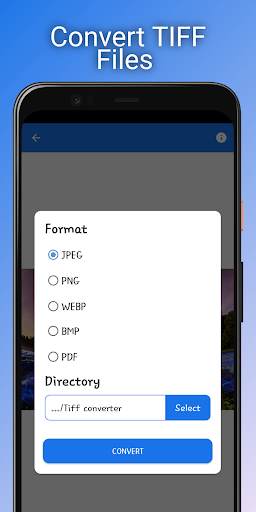
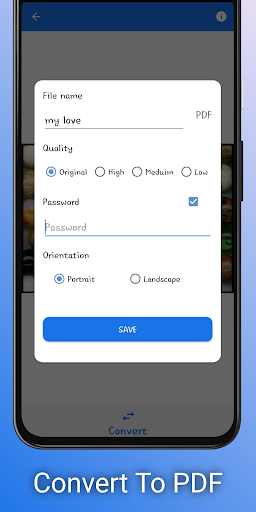
TIFF File Viewer allows you to view, print and convert large TIFF images to PDF, JPG, PNG, BMP, and WEBP formats.
Supports batch conversion of single and multi-page TIFF image files
Supported conversion formats:
• TIFF Image to PDF, JPEG, BMP, PNG, WEBP.
• Multi-page TIFF File to PDF, JPEG, BMP, PNG, WEBP
How to use Tiff Viewer
• Click on the "Open TIFF" button to select a TIFF file for viewing.
• Click on the "Convert" button, select the conversion format and directory, then click "Convert".
• To select and convert multiple TIFF image files at once, click on the "Converter" tab, select the TIFF files to convert, then click "Convert".