DOT KWGT
dotkwgt.kustom.pack
View detailed information for DOT KWGT — ratings, download counts, screenshots, pricing and developer details. See integrated SDKs and related technical data.
- No items.

Screenshots
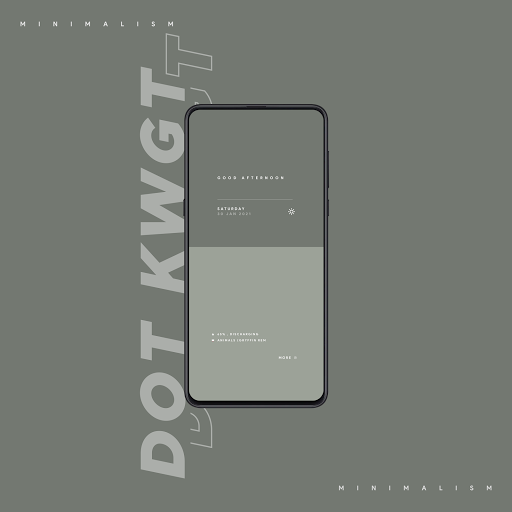
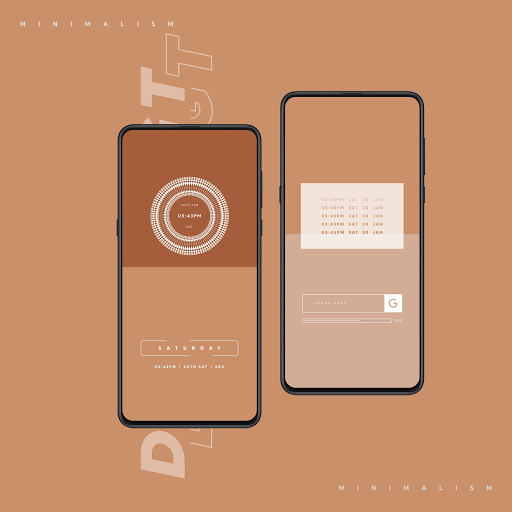
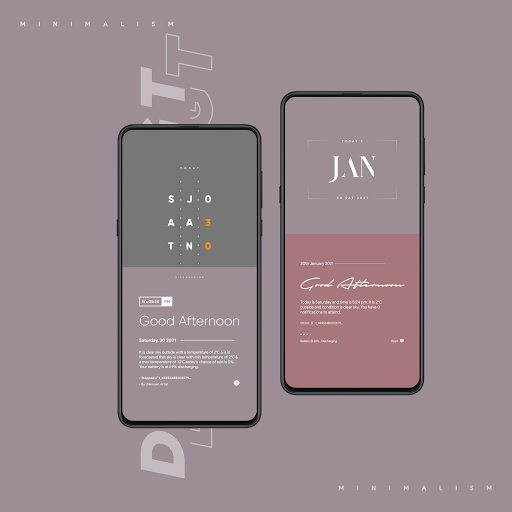
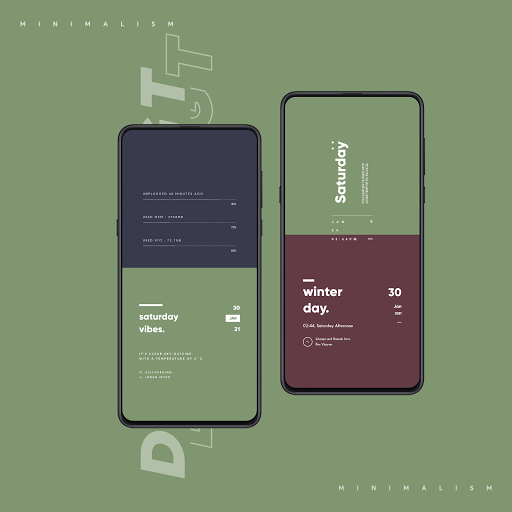
Description
ATTENTION
This is not a stand alone app. DOT KWGT require KWGT Pro [PAID APPLICATION].
DOT KWGT is Crafted For Minimalist Home screen Designs. Consists of 30 minimalistic widgets to start with (more to be added weekly).
Every widget is set to 100% scaling & it is recommended to keep the scaling at 100%.
How to set up the widgets?
Firstly, you need to download 2 apps:
1. KWGT: https://play.google.com/store/apps/details?id=org.kustom.widget&hl=en_IN
2. KWGT Pro Key: https://play.google.com/store/apps/details?id=org.kustom.widget.pro&hl=en_IN
Using a Custom launcher is advised.
Some Popular Custom Launcher's are Nova, Lawnchair, Smart Launcher 5, etc.
How to Use :
1. DOWNLOAD DOT KWGT & KWGT Pro Application
2. Long tap on your home screen & choose widget option
3. Choose KWGT widget from the drop-down list
4. Tap on the widget ,choose installed & select DOT KWGT
5. Choose the widget you like & adjust scaling as per the home screen
6. Voila! You are good to go.
NOTE:
If a particular widget is not properly scaled, you can adjust size with 'SCALE' under layer option in the KWGT main editor.
Please note that exporting of widgets are locked to prevent pirates from exporting and using the widgets under their name. Hope you guys understand :)
Don't forget to tag me whenever you use my widgets!
Credits:
- Frank Monza for creating KAPK which allows for easy app making
- All the graphics are made with Pixellab
(https://play.google.com/store/apps/details?id=com.imaginstudio.imagetools.pixellab&hl=en_IN)
All the Fonts and Fonticons used in the pack have been Licensed for Commercial use.
Please install and leave a genuine review as it helps us a lot!
Please contact us with any queries/issues before leaving negative rating in the Play Store via the links provided below.
•Join Our Telegram Channel- https://t.me/asdlorsetups
Follow us For More -------
• Twitter - https://twitter.com/jacksonhayes701?s=09
• Telegram - https://t.me/Jacksonhayez
• Instagram - https://www.instagram.com/asdlordesigns/