File Locker - Protect files
dev.tuantv.android.filelocker
View detailed information for File Locker - Protect files — ratings, download counts, screenshots, pricing and developer details. See integrated SDKs and related technical data.

Screenshots

Description
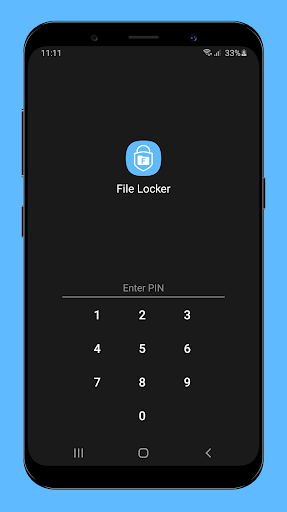
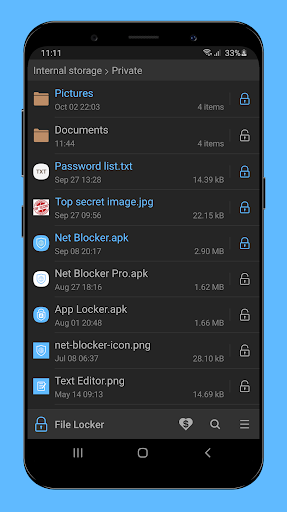
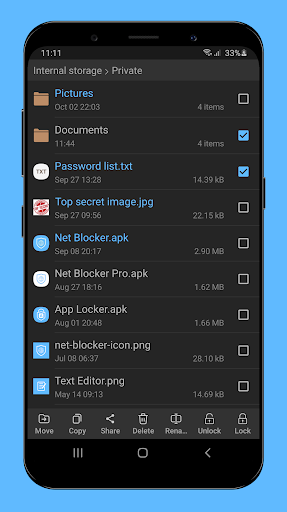
File Locker allows you to manage files and prevent unwanted access to your private files with PIN, pattern or password lock.
★ How it works?
This app locks file by encrypting the file content with the password and then hiding the encrypted file. It does not move the file to another folder. So if you delete the folder, the locked file will be deleted as well.
★ Please note:
The out of memory error may occur when the free storage of device is not enough to lock/unlock file. For example, please note that to unlock a 100 MB file, your device must have at least 100 MB of free storage.
So, in this case you may need to free up your device storage to be able to unlock the file.
Features:
★ Simple File Manager
★ Safe and easy to use
★ No unnecessary permissions
★ Use Advanced Encryption Standard to lock files with password
★ Advanced security settings:
- Prevent uninstalling File Locker by activating its device admin
If you have any questions, suggestions or bugs, please contact me at thesimpleapps.dev@gmail.com
FAQ:
• How if I forget the lock screen?
Because this app doesn't want to use Internet access (for your privacy), so it doesn't support password recovery via internet such as email.
If you forget password, you can clear app data or re-install app to reset password.
But if you cannot recover the old password, you will not be able to unlock the files locked before.
So please try to not forget the password!