smartPerform BYOD
de.smartPerform.smartPerformByod
View detailed information for smartPerform BYOD — ratings, download counts, screenshots, pricing and developer details. See integrated SDKs and related technical data.

Screenshots
Description
smartPerform BYOD App for mobile devices:
The smartPerform Bring Your Own Device App (BYOD) for mobile devices and web browsers complements individual smartPerform project solutions and standardized smartPerfom product solutions. Collaborative workflows between users and their various device platforms become astonishingly simple and effective. The central element is a smartPerfom application (project- or product solution) on a presentation computer with a Microsoft Windows operating system as well as a WLAN or LAN network with sufficient network capacity.
Central Functions
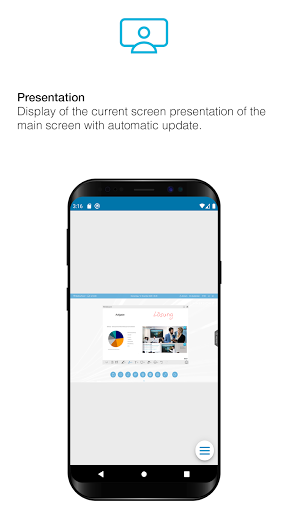
Presentation:
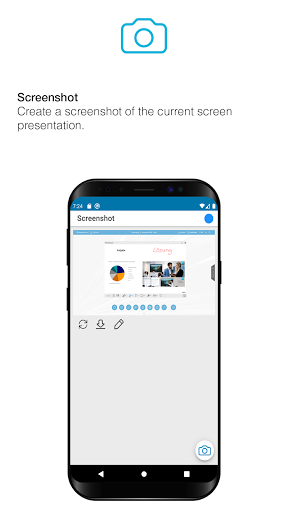
Display of the current screen presentation with manual or automatic update. Save the presented content or share local documents with the smartPerform presentation.
Sketch:
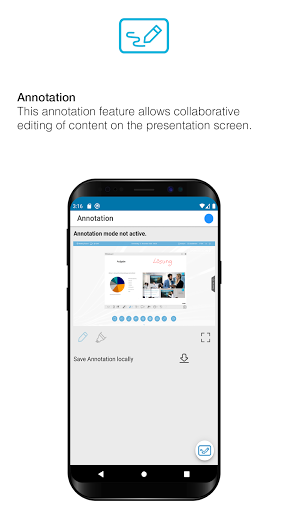
Create and share a local sketch based on a neutral background, the current smartPerform presentation image, a recent photo capture, or images from your photo gallery.
Text:
Creating comments – Share your thoughts with the attendees
Pointer:
Remote control of the smartPerform presentation via a virtual mouse pointer.
Moderation:
Menu for remote control of the smartPerform presentation via control elements and predefined presets. Management for individual customization of available user functions.
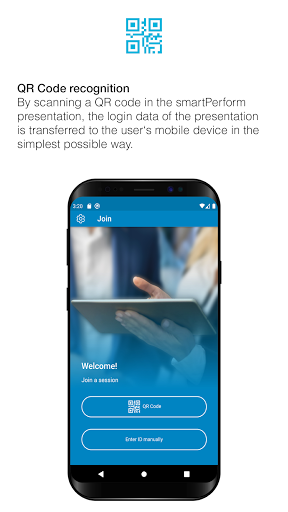
QR-Code recognition:
By scanning a QR code in the smartPerform presentation, the login data of the presentation is transmitted to the mobile device of the user in the simplest way.