Liturgischer Kalender
de.eucharistiefeier.litkal
View detailed information for Liturgischer Kalender — ratings, download counts, screenshots, pricing and developer details. See integrated SDKs and related technical data.

Screenshots

Description
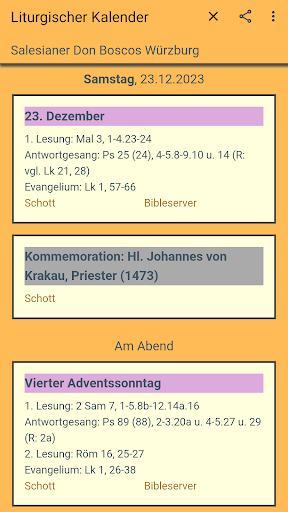
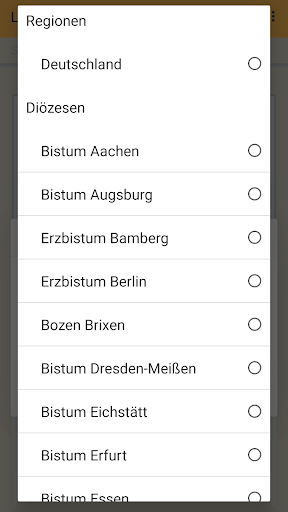
The app displays liturgical calendars of the Roman Catholic Church in the German-speaking area. You can choose from the calendars of various particular churches (dioceses, religious orders and some individual churches and monasteries) in the German-speaking area. These are so-called “perpetual” calendars; The data for specific years are automatically derived and displayed from the one-time entries.
After the first start and the (optional) selection of a particular church calendar, the current day is initially displayed. By swiping you can go to the previous or following day. These parameters can be quickly changed by tapping the calendar name or date.
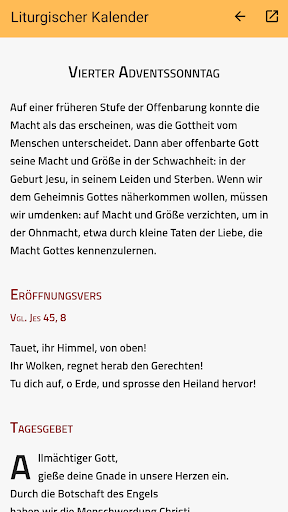
In addition to the respective title (e.g. of the festival or saint's day of remembrance), the liturgical color and the liturgical rank, information about the biblical readings is also displayed. Links lead directly to the respective online bulkhead page (if available).
It is also possible to display monthly or annual overviews.
Particular church calendars can be created and maintained on the app's website so that they are displayed there and in this app.
Technical note: In order to work, this app (like many other apps) requires the functionality of the “Android System WebView” app. This pre-installed app should be kept up to date for security reasons. However, some smartphone manufacturers replace them with their own product with the same functionality. If after an update the app only shows a white area apart from the header, the WebView may be “hanging”; then restarting the smartphone can usually help.