ElsterSecure - sicherer Login
de.elster.elstersecure.app
View detailed information for ElsterSecure - sicherer Login — ratings, download counts, screenshots, pricing and developer details. See integrated SDKs and related technical data.

Screenshots



Description
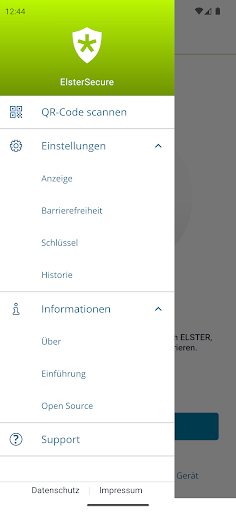
ElsterSecure is the new authentication app from ELSTER.
Once set up, all you need to log in is your smartphone. You no longer need a certificate file or a user name after the initial setup.
How to set up ElsterSecure:
Log in to MeinElster as usual.
Go to "My Account".
Under “Add ElsterSecure login option” you can link the app with your MeinElster account.
If you do not yet have a MeinElster account, you can register at www.elster.de and select ElsterSecure as your login option.
Note: Authentication using ElsterSecure is currently only possible for logging into MeinElster. Third-party transmission is not yet supported.
ElsterSecure requires the following permissions:
Access to the device's camera(s): This permission is required to scan the QR code.
Data protection information can be found at https://www.elster.de/eportal/helpGlobal?themaGlobal=datenschutz_public