1822direkt QRTAN+
de.direkt1822.qrtanplus
View detailed information for 1822direkt QRTAN+ — ratings, download counts, screenshots, pricing and developer details. See integrated SDKs and related technical data.

Screenshots
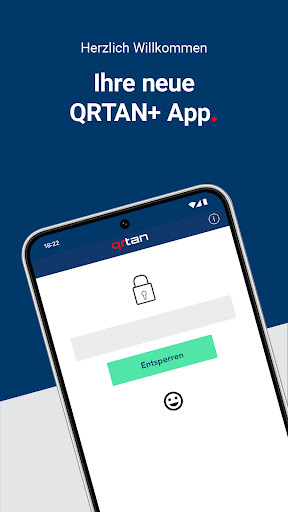

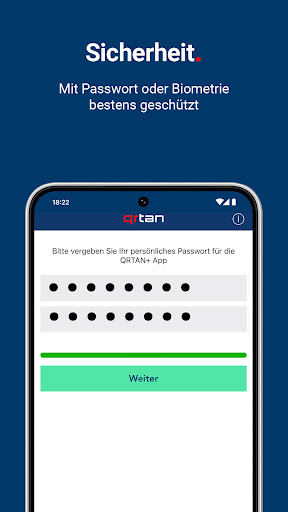
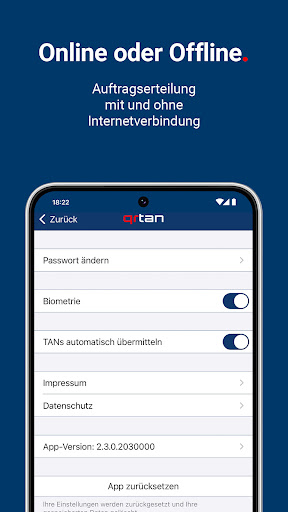
Description
With QRTAN+, 1822direkt offers you a modern and up-to-date security procedure for online banking.
With the 1822direkt QRTAN+ procedure, banking transactions can be processed more easily and quickly. In your online banking, you can carry out orders anytime and anywhere. All you need is a PC or tablet and smartphone with the QRTAN+ app.
Your benefits at a glance:
✔ Your smartphone becomes a free TAN generator
✔ You confirm your 1822direkt online banking orders quickly and easily via the QRTAN+ app
✔You can place orders even without an internet connection on your smartphone
✔Execution of transactions on two separate channels
This is how the QRTAN+ procedure works
After entering your order data in 1822direkt online banking, you will see a QR code that you decode with your QRTAN+ app. To do this, start the app and scan the displayed QR code. The security app will then show you the data you have collected for you to check. In any case, check the transaction data displayed in the QRTAN+ app and approve the order in the app.
If you don't have an internet connection at the moment, a TAN will be displayed. Release the order in 1822direkt online banking with the displayed TAN.
How is the QRTAN+ procedure activated?
Activate the QRTAN+ procedure free of charge in your customer portal under the menu item "Settings > TAN > Manage TAN procedure". Follow the descriptions in the customer portal and in your QRTAN+ app to complete the activation.
The following authorizations are required on your device:
- Access to the camera to scan the QR codes displayed in your 1822direkt online banking.
System requirements: We generally only recommend using devices for which the manufacturer still provides security updates for the operating system.
Note on "Root": The app is not offered for devices with root access / manipulation software. From our point of view, the use of rooted devices represents a security risk that we want to exclude for your security in financial transactions.