Schulportal
de.digionline.webweaver.schulportal
View detailed information for Schulportal — ratings, download counts, screenshots, pricing and developer details. See integrated SDKs and related technical data.

Screenshots
Description
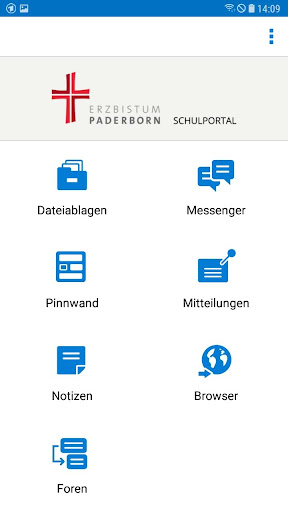
The app school portal allows users of the school organization, communication and learning platform "SCHOOL PORTAL OF THE CATHOLIC SCHOOLS OF THE ERZBISTUMS PADERBORN" to conveniently use functions on smartphones and tablets. The current version of the app has the following functions:
- File storage
- Messenger
- pin board
- Messages
- browser
- Notes
- forums
Use of the app requires activated access to the school portal. Furthermore, the users must have been given the necessary rights to use the individual functions. Either the operator of the platform or a school administrator who has set up and manages member access is responsible for setting the rights.
Private device vs. Common device
When it is started for the first time, the app asks whether a private device is being used. If the device is not a private device, but a device shared with other people, push notifications and the storage of logins in the app are not available for data protection reasons. This setting is among others It makes sense if the mobile devices are provided to learners by an institution (e.g. school).
Log in
To access the school portal via the app, the same login is required as for platform login in the browser. Logins can be saved in the app. After starting the app, the user can select the desired login via "Select login" or delete logins that are no longer required. For security reasons, the user can prevent the app from logging in on a device via the platform itself by deleting the app entry in his private area under "Settings", "External Services", "Devices and Services". This is e.g. then useful if the device in question has been lost or stolen.
Push messages
When logging in on a private device, push notifications are automatically activated. You will then receive messages about new messages and system messages at any time until you log out of the app or manually deactivate the push message in the Android settings for the app.
Website, imprint school portal: https://www.schulportal-erzbistum-pb.de
Data protection declaration: https://www.schulportal-erzbistum-pb.de/wws/dse_schulportal_app.php
Contact & Support: support@schulportal-erzbistum-pb.de
Copyright © App: DigiOnline GmbH