FAL-BY
de.bayern.stmelf.falby
View detailed information for FAL-BY — ratings, download counts, screenshots, pricing and developer details. See integrated SDKs and related technical data.

Screenshots


Description
Are you submitting a multiple application in Bavaria? Then use the FAL-BY app to be able to react directly and easily to unclear issues in multiple applications. As with iBALIS, registration is carried out using the company number and the HIT-PIN.
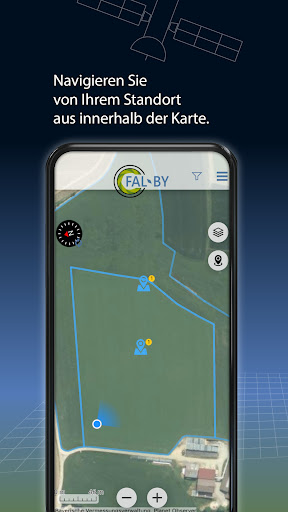
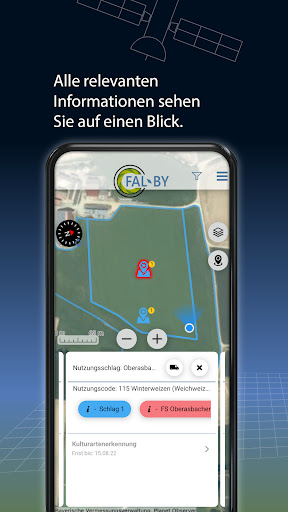
If no clear result could be achieved through the satellite monitoring, you will receive a task in FAL-BY as a registered user. The map view facilitates orientation. You can then take one or more photos of the specific area. These photos will help your responsible clerk at the AELF to assess the situation. In most cases, discrepancies can be quickly clarified based on the submitted photos. An on-site check is then no longer necessary in many cases and saves time.
The task describes the circumstances for which photos are required and what should be visible in the photos. These are, for example, the crops grown or management measures on the area. Photos of documents such as seed receipts can also be taken and submitted and save manual submission.
To avoid an extra trip to an affected parcel, you can take photos in advance and use them in the event of a task that arises later in the year. This is useful, for example, when documenting certain agri-environmental measures. New tasks can arise at any time during the year. It therefore makes sense to check FAL-BY regularly so that you don't miss any deadlines.
Detailed information on how the app works and how to use it can be found on our website:
http://www.stmelf.bayern.de/fms