Corlo Mobile
de.ElsnerElektronik.CorloTouch
View detailed information for Corlo Mobile — ratings, download counts, screenshots, pricing and developer details. See integrated SDKs and related technical data.
- No items.

Screenshots


Description
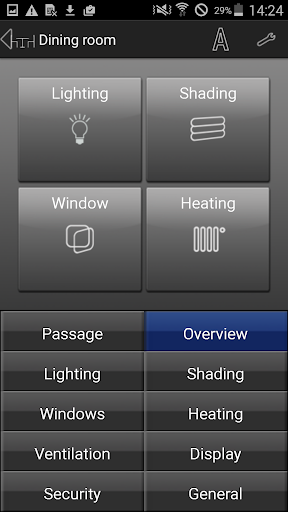
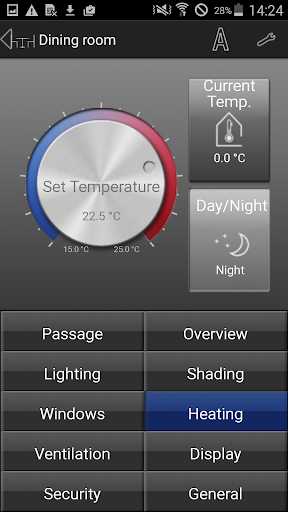
With the Corlo Mobile App, you can use all the Corlo Touch KNX WL screen functions from either a Smartphone or a Tablet PC. For example, settings can be changed, status requests sent and devices and drives operated manually.
The Corlo Mobile App works like this:
The App makes a connection with the Corlo Touch KNX WL display from Elsner Elektronik via Wi-Fi or mobile Internet. This is how all menus configured or released for display are visible in the App as well. Automatic functions, scenes, alerts, alarms, timer and display basics can now be set while on the move. For example, drives and devices can be operated and values shown via the display pages. This turns the mobile device into a remote controller for the functions of the Corlo Touch KNX WL.
Requirements: Corlo Touch KNX WL version 0.1.9-0 (and up). Terminal (smart phone, tablet PC) with Wi-Fi access and operating system Android 3.0 and up.