Color Wheel Designer
cwd.colorwheeldesigner
View detailed information for Color Wheel Designer — ratings, download counts, screenshots, pricing and developer details. See integrated SDKs and related technical data.
Screenshots
Description
This program is designed for Android Tablets.
Suggested screen resolution is 800 x 432 pixels.
Needed minimum Android API:
Android 4.3.1(18 API) Jelly Bean
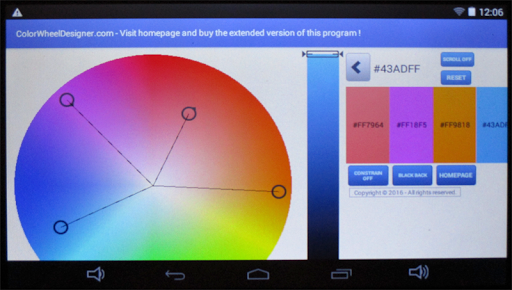
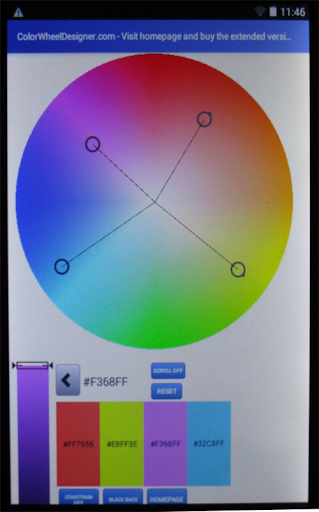
In the Color Wheel Designer Android version we can move 4 circles on the color wheel.
Moving the circles we can point or drag and drop them.
First we need to designate an actual circle. Pointing with fingers we can move it in different places, so it will jump to the place where the surface is touched.
We must first turn off scroll (Scroll Off) for accurate drag and drop function. Scrolling down to the surface, place your finger over the wheel, and constantly keep smoothing on the surface, and drag the circle to the desired location.
Main functions:
Scroll On/ Off:
Turn off or on the scrolling of the surface. This is necessary if you want to drag the circle accurately.
Reset:
It sets the state of the circles to default, so colors of the four circles will be white.
Constrain On/ Off:
Switch off the joint movement of the circles. Turning off means that all four circles are movable independently.
Black Back or White Back:
The background of the surface will be black or white.