Control Center IOS 14 : Screen
comaitsouiri.controlcenterios.screenrecorderios
View detailed information for Control Center IOS 14 : Screen — ratings, download counts, screenshots, pricing and developer details. See integrated SDKs and related technical data.

Screenshots


Description
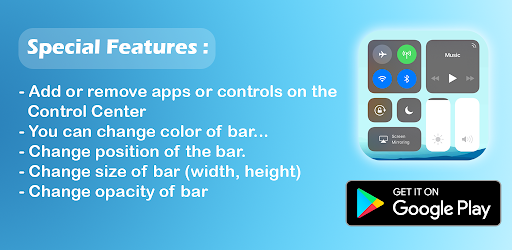
Control Center iOS 14 gives you instant access to the Camera, Clock, Record the screen, Screenshot and more settings like to iOS X, iOS XS.
With a floating bar on the screen, you can easily use your Android smart phone.
More conveniently, you can quickly access to all your favorite apps,
games, settings and quick toggle, screen capture, screen recording. Control Center IOS 14 is also an ideal app to protect the physical buttons
(volume button).
It is very useful for big screen smart phone.
How to Open
- Swipe up, swipe right or swipe left from the edge of screen.
Control Center - quickly change settings:
- Wifi
- Bluetooth
- Screen rotation
- Mobile hotspot: easy to make a personal hotspot and share your internet.
- Volume controller: change volume ringtone, music, alarm, notification, and system sounds.
- Brightness
- Flashlight
- Do not disturb
- Silent, vibration, and sound
- Lock the screen (screen off)
- Screen recorder be like iPhone (Android 5.0 and above)
- Screenshot, screen capture (Android 5.0 and above)
- Night mode (night light) and take care of your eyes
- Pin favorite application in Control Center
How to Close Control Center iOS 14
- Swipe down, swipe right, swipe left or tap the top of the screen, or press the Back button.