I'm InTouch Go
com.zeroonecom.iitgo
View detailed information for I'm InTouch Go — ratings, download counts, screenshots, pricing and developer details. See integrated SDKs and related technical data.
Screenshots

Description
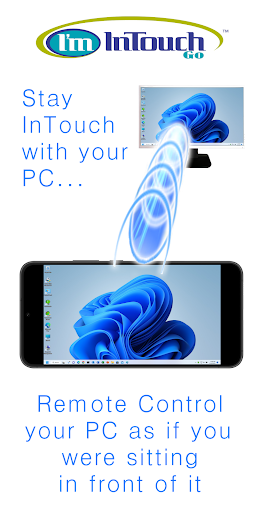
I'm InTouch Go allows I'm InTouch users to access their remote computers from their Android phone/tablet devices.
From your Android phone/tablet, you will be able to:
* Use your remote computer as if you were sitting in front of it (even listening to audio files or watching videos on that computer)
* Reboot the host computer
* Wake-up your remote computer (if it has been powered off)
Getting Started
===============
Once you have installed the I'm InTouch Software on your home or office computer, you can remote access them via your Android phone/tablet devices easily:
1. Download I'm InTouch Go onto your device from Google Play.
2. Run the I'm InTouch Go app.
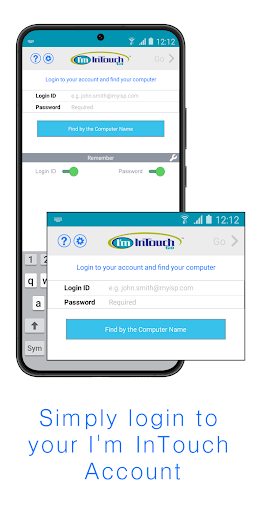
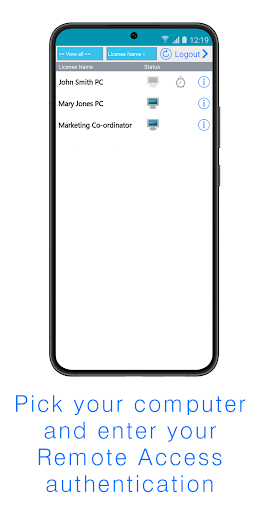
3. Login to your I'm InTouch Account and simply follow the on-screen instructions.
Note: If you do not have the I'm InTouch software installed at your host computer, go to www.imintouch.com and signup for a 30-day trial.