SparkLabs Demoday 13
com.xsync.container.ye85w6xz5z1v387a
View detailed information for SparkLabs Demoday 13 — ratings, download counts, screenshots, pricing and developer details. See integrated SDKs and related technical data.

Screenshots


Description
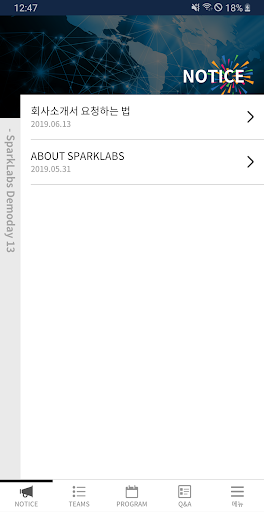
Demo Day started with 150 audiences in 2013.
Start-up entrepreneurs and investors, as well as start-ups, tech enthusiasts, business people, students, media
This is a festival for everyone, including those in charge.
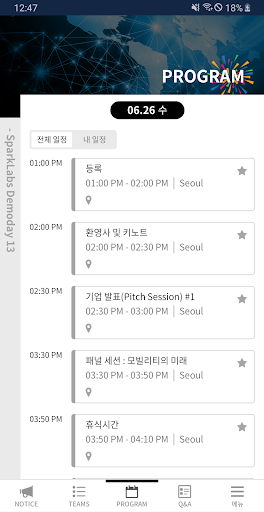
The June 26 Demo Day will be held from 1pm to 6pm at the COEX 3rd Floor Auditorium.
This demo day includes AbuHakim, A-Impact, Alba Watch,
PlayKeyboard, CareDoc, Curiochips, Featuring,
SmartJack, Spiceware, Standing Tall, Whelp,
Startups such as xsync will be exhibiting their services and products.
Minimum specification
Android 4.4 (Kitkat) or later
[Smartphone App Access Rights]
The following access rights and information are requested for ease of use of the app.
1. Required access rights
SparkLabs Demoday 13 does not request mandatory access.
2. Selective Access
-Allow push: Use the notifications, events, etc. in the app for push notifications.
-Camera Access Allowed: Used for taking photos and reading QR codes in event of changing profile, timeline, bulletin board, user participation, stamp, QR lead.
-Allow storage space (photo album): It is used to import photos from photo album in the event of changing profile, timeline, bulletin board, user participation.
-Allow Location: Use this to bring up your current location in an event that uses the Google Map feature.
[How to withdraw access right]
After consenting to access, you can reset or revoke access as follows.
-OS 6.0 or later: Settings> Application Manager> Select App> Permissions> Revoke Access
-Operating system under 6.0: It is impossible to set the access right, so it is possible to withdraw after deleting the app.