Wolters Kluwer Authenticator
com.wolterskluwer.authenticator
View detailed information for Wolters Kluwer Authenticator — ratings, download counts, screenshots, pricing and developer details. See integrated SDKs and related technical data.
Screenshots
Description
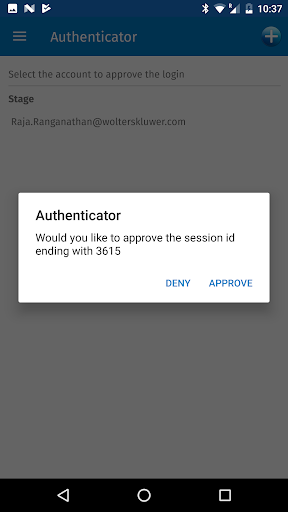
Completing multi-factor authentication for Wolters Kluwer Tax & Accounting applications is now as simple as tapping “Approve” on your phone.
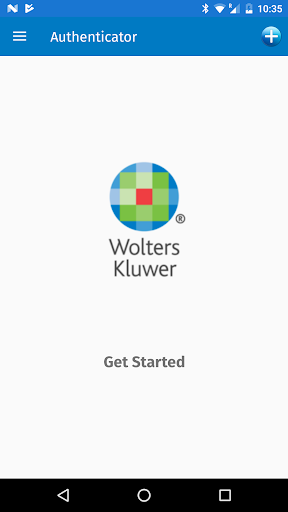
To get started, log into your software and begin the pairing process to display a QR code. Scan the code in the Authenticator app and the account will be stored securely on your device.
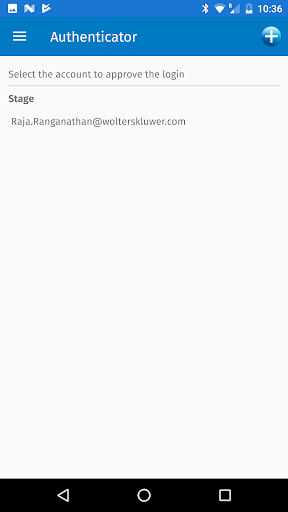
This app generates secure verification on your device for supported Wolters Kluwer applications. As part of the login process, you will be notified to verify login activity in the app. You can tap the Approve button or use Touch ID if the option is enabled. Tapping the Deny button will reject the login attempt.
When your device if offline, the app will display a verification code on your device. All your sign-in information is protected using Key Store
The Authenticator app also supports managing your 2-step verification codes for other accounts, including Facebook, Dropbox, Amazon, Gmail, and thousands of others.