Military Watch Face - F01
com.watchfacestudio.militaryf01
View detailed information for Military Watch Face - F01 — ratings, download counts, screenshots, pricing and developer details. See integrated SDKs and related technical data.
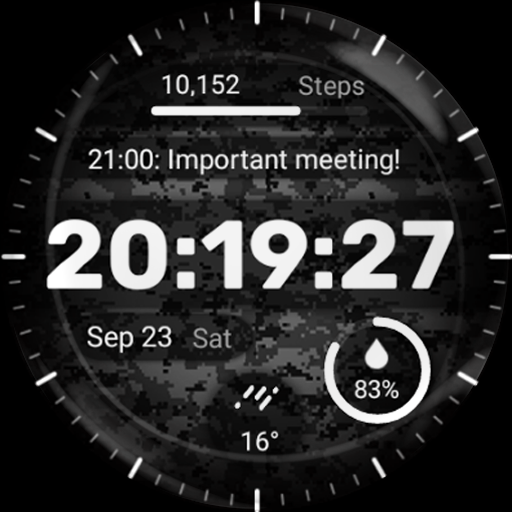
Screenshots


Description
Key features of the Military Watch Face include:
- Camouflage Design: The watch face showcases a range of authentic camouflage patterns, allowing you to express your unique style and appreciation for military-inspired fashion.
- 4x Customizable Complications: Stay informed at a glance with customizable complications that display useful information such as date, weather, steps taken, heart rate, and more. With the Military Watch Face, you can even customize up to three different complications according to your preferences.
Installation Guide: Ensure a smooth setup with this step-by-step guide: Watch [Installation Guide 📣](https://tinyurl.com/4p9rcmww).
Enjoy the specially designed Always On Display ambient mode, conserving power during idle times. Please note that this feature may consume more battery. ⚡
Manual Installation: In case of automatic installation issues, follow these steps:
1. Ensure your watch is connected to Wi-Fi. 📶
2. Visit the Play Store on your watch. 🛒
3. Tap "More on devices" (if available). 📲
4. Click "Install" next to your watch on the list. This will immediately install the watch face. 🔄
5. If you encounter issues, wait for up to 1 hour for the "Install" button to reset. ⏳