Analog Classic 5 Wear OS4
com.watchfacestudio.AnalogClassic5
View detailed information for Analog Classic 5 Wear OS4 — ratings, download counts, screenshots, pricing and developer details. See integrated SDKs and related technical data.
- No items.

Screenshots
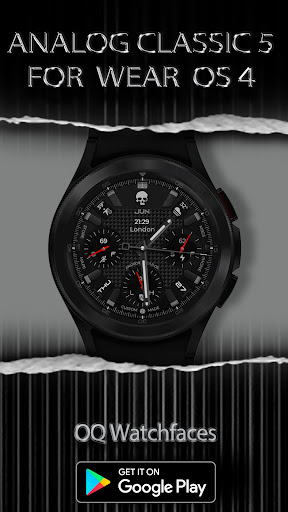
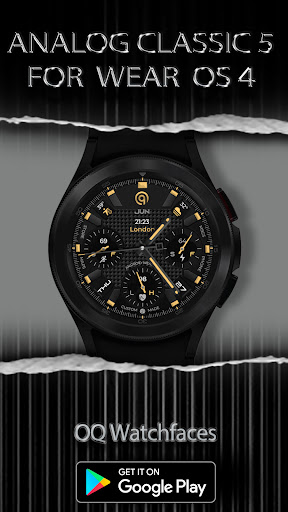
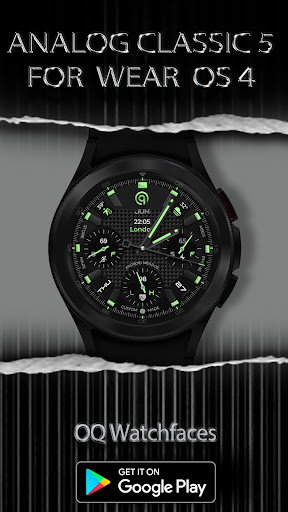
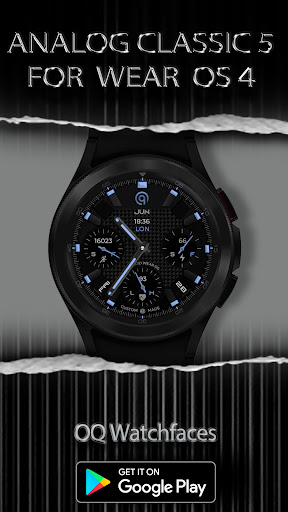
Description
=======================================================
NOTICE: READ THIS ALWAYS BEFORE AND AFTER DOWNLOADING OUR WATCH FACE TO AVOID ANY SITUATION YOU DON'T LIKE.
=======================================================
This watch face for WEAR OS has been made in latest released Samsung Galaxy Watch face studio V 1.6.9 which is still evolving and has been tested on Samsung Watch 4 Classic , Samsung Watch 5 Pro, and Tic watch 5 Pro. It also supports all other wear OS 3+ devices. Some feature experience can be slightly different on other watches.
a. Visit this link to official Install Guide written by Tony Morelan. (Sr. Developer, Evangelist)For Wear OS Watch faces powered by Samsung Watch face Studio. It is very detailed and precise with graphical and image illustrations on How to install the watch face bundle part to your connected wear os watch.
link:-
https://developer.samsung.com/sdp/blog/en-us/2022/11/15/install-watch-faces-for-galaxy-watch5-and-one-ui-watch-45
b. A Big Thanks to Bredlix for source code of new helper app.
The watch face has following features:-
1. Tap inside step chronometer it will open watch Samsung Health Steps Counter.
2. Tap on text "MSGS" written above 3 o clock hour index bar to open watch messaging app.
3. Tap on text "PHONE" written below 3 o clock hour index bar to open watch phone app.
4. Tap on text "Maps" written below 9 o clock hour index bar to open watch Google Maps app.
5. Tap on text "STORE" written above 3 o clock hour index bar to open watch play store app.
6. Tap inside Battery chronometer it will open watch battery app.
7. Tap On Day text shown and it will open watch alarm app.
8. Tap On Date text shown and it will open watch calendar app.
9. Hour index Bar Markers can be turned On/Off separately for Main and AoD Display Customizable via watch face customization menu.
10. 3 x different logo styles including default are available via customization menu.
11. Seconds Movement also has 2 options and can be changed as well from customization menu.