Funny photo editor
com.voolenstudios.Funny.photo.editor
View detailed information for Funny photo editor — ratings, download counts, screenshots, pricing and developer details. See integrated SDKs and related technical data.
- No items.
Screenshots



Description
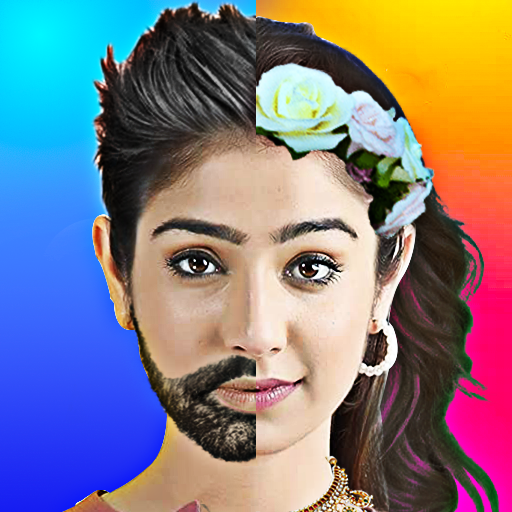
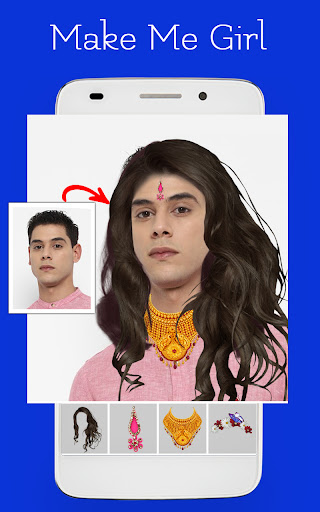
Funny photo editor is an app that helps you transform into a woman or a man using our amazing tools. Make attractive or beautiful and more features at your hand.
Key features:
• Open the app on your device.
• Now you can avail the option such as camera, gallery to select the image to be edited by clicking at that instant or one can import it from the gallery.
• You can even crop and flip.
• Then you can go for selecting an object of your choice to be edited by our cut option and do it in a hand-free manner.
• You can now erase unwanted errors made while cutting with our erase tool.
• Then you can avail our options such as backgrounds. Backgrounds can be used to make your edits perfect.
• When you go for backgrounds then you can adjust the image position so that it looks realistic by clicking the photo option on the top.
• You can now add our stunningly realistic stickers and adjust it according to your image by clicking at the top of the sticker option to adjust it anywhere in the image.
• You can now make the edit look realistic with our adjusting tool that helps you to adjust background blur, photo opacity and also sticker opacity.
• You can avail many fonts provided in our app to add words to your edits.
• You can even add any color as your background with our color gradient, which allows you to add any shade of the color of your choice.
• Then you can even go for our duplicate option to add your image some visual attraction.
• Now you can share and save your stunning edits just with a click.