Universal TV Remote for All TV
com.universal.tv.remote.all.smart.device
View detailed information for Universal TV Remote for All TV — ratings, download counts, screenshots, pricing and developer details. See integrated SDKs and related technical data.
Total installs
106.0K(106,036)
Rating
3.7(4 reviews)
Released
October 31, 2025
Last updated
January 1, 1970
Category
House & Home
Developer
Tool Crafters
Developer details
Name
Tool Crafters
E-mail
photovideozone69@gmail.com
Website
unknown
Country
unknown
Address
unknown
Android SDKs
- No items.
Screenshots
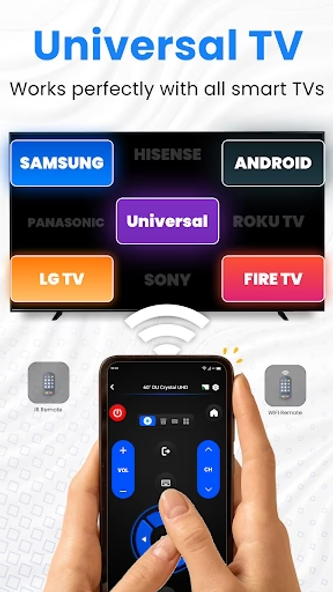
Description
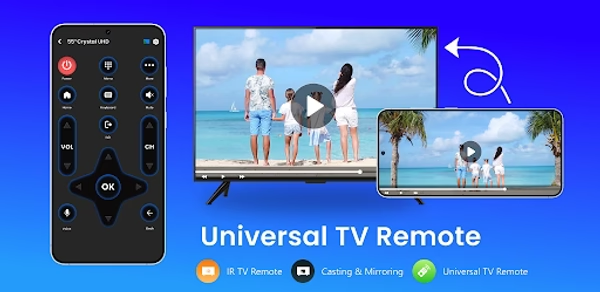
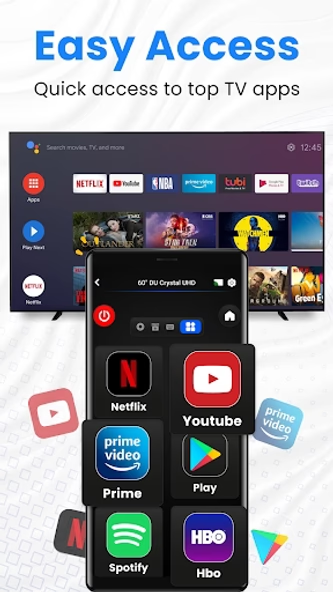
Universal TV Remote for All TVs is a powerful and convenient remote control app designed to replace multiple tv remotes. Whether you're using Roku TV, Fire TV, LG, Samsung, TCL, Vizio, Hisense, Sony, or other major TV brands, this app simplifies your experience by offering one tv remote solution for all. As long as your device is connected to the same WiFi network as your Smart TV, you can control everything from volume to playback. It also includes IR functionality for TVs that require infrared control when mobile supported IR.
🔧 Key Features:
> Auto Scan Smart TVs: Instantly detect all smart TVs connected to your WiFi network.
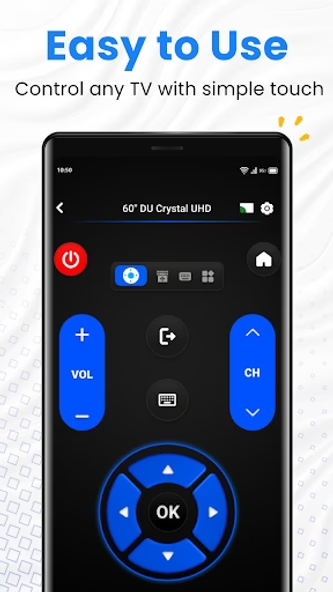
> Effortless Control: Adjust volume, switch channels, rewind, or fast-forward with ease.
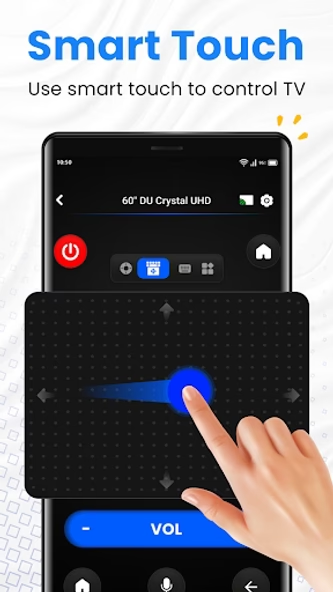
> Smart Touchpad: Navigate your TV quickly and efficiently with responsive gestures.
> Fast Typing & Search: Enter text easily and search for shows or movies quickly.
> Power Control: Turn your TV on or off right from your phone or tablet.
> Media Casting: Cast photos and videos from your device to your TV screen.
> Screen Mirroring: Share your phone’s screen with your TV in real-time with minimal delay.
📱 How to Get Started:
> Install the Universal Remote App on your device.
> Choose your TV brand or streaming device (e.g. Firestick, Samsung, Roku, TCL, LG, etc.).
> Connect to your Smart TV through the app.
> Enjoy seamless control with your virtual TV remote.
📺 Works with Most Major Brands:
> Roku TVs
> Samsung & LG Smart TVs
> TCL, Vizio, Hisense, Sony, and Toshiba
> And many more.
🛠️ Troubleshooting Tips:
> Make sure your phone and Smart TV are connected to the same WiFi network.
> If connection fails, try restarting the app or rebooting your TV.
> Keep the app updated for the latest compatibility fixes.
> Test using a different device if connection issues continue.
⚠️ Disclaimer:
This is a third-party application and not affiliated with any specific TV brand. While we aim for wide compatibility, we cannot guarantee full functionality on every TV model.