Eye Sky View
com.u.eyeskyview
View detailed information for Eye Sky View — ratings, download counts, screenshots, pricing and developer details. See integrated SDKs and related technical data.

Screenshots


Description
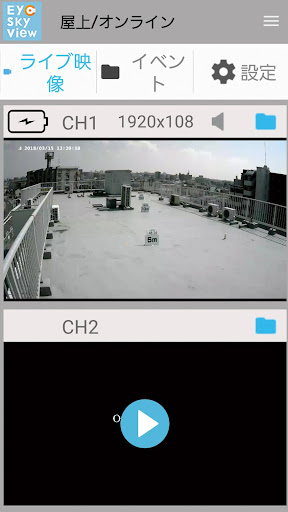
Power is supplied from the solar to the camera. Easy to install with just one screwdriver. When the sensor reacts, it is recorded to the SD card and you can check the live and recorded video on your smartphone. Recording, battery depletion, and radio connection status can be checked at a glance using the dedicated receiver's LED. Settings on your smartphone can be easily done in 3 steps. 1) Connect the main unit and router with a LAN cable 2) Scan the QR code 3) Set a password
*It may take about 1 minute to load the video.
*Sensor recording may not respond depending on the outside temperature, humidity, and weather in the environment where the camera is installed.
*The main unit may not recognize the SD card. In that case, please remove and insert the SD card and turn the receiver on and off.
*If the radio wave condition is poor, the LED on the receiver will blink. In that case, be sure to turn the receiver on and off after changing the camera installation location.
*Before installation, please charge the battery inside the camera using the included AC adapter.