Russian-finnish dictionary
com.ttdictionary.russianfinnish
View detailed information for Russian-finnish dictionary — ratings, download counts, screenshots, pricing and developer details. See integrated SDKs and related technical data.

Screenshots



Description
Russian - Finnish and Finnish-Russian is a free offline dictionary (vocabulary) with easy and functional user interface, covers over 30.000 words.
Features:
• Very efficient, fast and good performance.
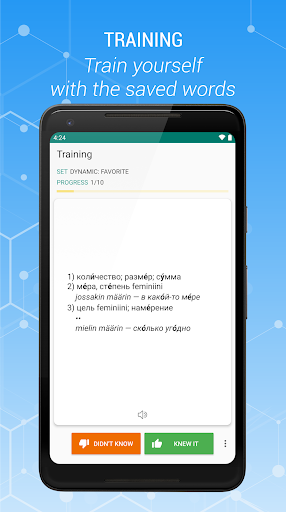
• Training feature (with flashcards)
• high-speed search options
• Search filters - search for suffix, prefix(starts with, ends with)
• Voice recognition
• Works offline
• You can add marked words to the favorite list
• Creating bookmark and adding words to bookmark list
• Keeping of Looked-up words in history( as day,month ...)
• Creating bookmark and adding words to bookmark
• Sharing in other apps
• Search in Clipboard
• Sounding of word or marked text (Text-to-speech engine)
Description window is opened as clicking on the word. You can minimize and maximize the description window with swipe function.
• The option of searching, sounding and sharing of marked word in the description window.
• Description of selected word are opened on the same window.
• Tablet UI Support
- Setting
• Changing option of text size
• Changing option of UI color
• Clearing option of Bookmark, Favorite, History list
• You can change the size of text with clicking on down/up volume buttons.
• You can change the color of UI with double clicking on down/up volume buttons.
• You can change description view position on landscape mode (description view on left/right)
You can give suggestions, comments and legal questions related to dictionary to this address. ttdicpro@gmail.com