Психологический словарь
com.ttdictionary.psychologicaldictionary
View detailed information for Психологический словарь — ratings, download counts, screenshots, pricing and developer details. See integrated SDKs and related technical data.
Screenshots


Description
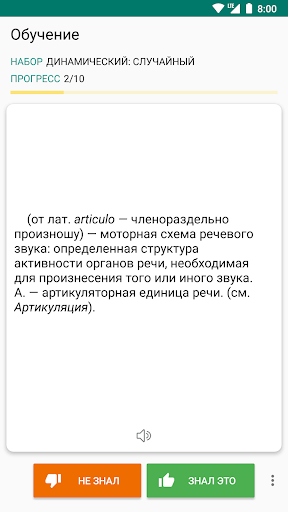
Psychological free offline dictionary with easy and functional interface.
Characteristic:
• Very efficient, fast and with a good performance.
• the possibility of high-speed search
• Search Filter - search suffix, prefix (start / end)
• Voice Recognition (Text-to-speech engine)
• Night mode
• Backup / restore user data
• You can add a word marked as a favorite.
• Ability to create bookmarks and add the word to your favorites
• Save scanned words in stories (day, month ...)
• Ability to create bookmarks and add the word to your favorites
• The ability to share in other applications
• Sounding a word or selected text
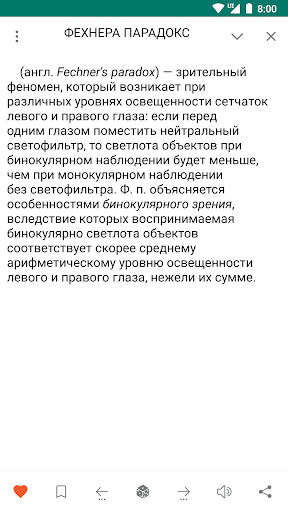
description window opens when you click on the word. You can wrap and unwrap the description window function swipe.
• Search option, the audio and the ability to share a word selected in the Description window.
- Settings
• Option to change the text size
• Optional interface changes color
• Cleaning option lists Bookmarks, Favorites, History
• You can change the display color by double-clicking on the buttons to increase / decrease the volume
• You can change the display color by double-clicking on the buttons to increase / decrease the volume
You can send your suggestions, comments and legal issues associated with paved at this address.
ttdicpro@gmail.com