Blur PIP Collage
com.tnp_dev.pip_effect_collage
View detailed information for Blur PIP Collage — ratings, download counts, screenshots, pricing and developer details. See integrated SDKs and related technical data.
- No items.
Screenshots


Description
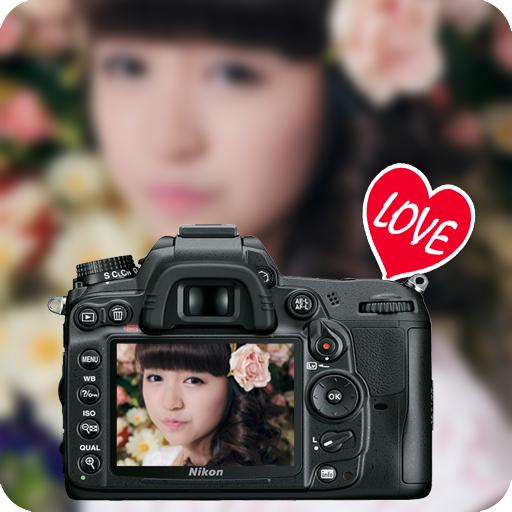
Blur PIP Collage is an application designed for your new photo collages in your special styles with very simple ways. You can have a PIP with one image is the clearest to see and the other plays as a photo background. The background picture is special and various because you can adjust blur effect at any levels you like.
There are some outstanding features from Blur PIP collages
- You can adjust the Blur level you like
- 30 plus photos frames with nice frames and wonder subjects.
- Add stickers: Emotional icons, cute subjects, lovely messages.
- Text on photo.
- Share via Bluetooth or social network : Facebook, email, Twitter, Google+,… or can upload on Google drive
There are 5 basic steps to have a nice photo collages by using Blur PIP collage as below:
1. Choose and add the picture you would like to create a Blur PIP
2. Touch, zoom in or zoom out and move the photos to have the desired size so that it can be fixed in the frames or some subjects in the given frames.
3. Choose the Blur levels by moving the volume of BLUR ICON
4. Add icons, sticker or even add text.
5. Click Save or click share when you think it is finished.