iCareFone for LINE Transfer
com.tenorshare.transfer.line
View detailed information for iCareFone for LINE Transfer — ratings, download counts, screenshots, pricing and developer details. See integrated SDKs and related technical data.

Screenshots

Description
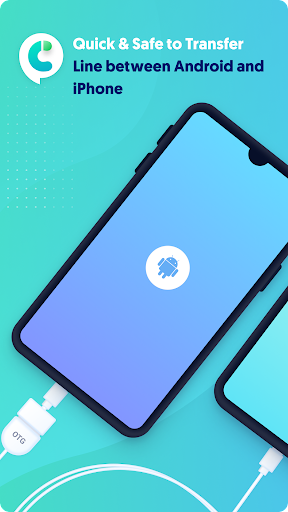
Looking for a way to directly transfer LINE data across devices? The iCareFone for LINE App helps you quickly transfer LINE data from Android to iPhone without a computer.
Key Features:
* No need for a computer.
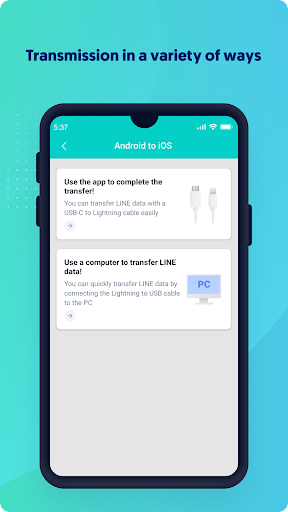
Quickly and easily transfer LINE data from Android to iPhone by using the new USB-C to Lightning cable or connecting an OTG adapter to the old Lightning to USB cable.
* No complicated steps. With just several clicks, LINE data will be transferred successfully.
* Multiple data types supported.
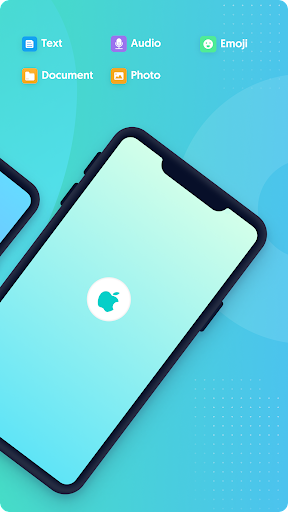
* Quickly transfer LINE messages and attachments, including chat messages, pictures, documents, audio, emojis, and more.
* High success rate of data transfer, no data loss
No data will be lost when transferring all LINE data to another device.
* 100% Privacy guaranteed
iCareFone for LINE promises data security during data transfer and absolutely no personal data is captured.
Compatibility:
* Support various Android devices and brands, including Samsung, Huawei, Xiaomi, Oppo, Vivo, HTC, LG, Sony, Motorola, etc.
* Compatible with all Android versions from Android 5.0 to Android 12.
* Compatible with all iOS versions from iOS 10 to iOS 15.4.
Supported languages:
Support English, Japanese, Thai, Indonesian, Korean, Simplified Chinese, and Traditional Chinese.
How to use the iCareFone for LINE app to transfer LINE data from Android to iPhone?
1. Install iCareFone for LINE app on your device.
2. Connect Android and iPhone devices using a USB OTG cable.
3. Start transferring LINE data from Android to iPhone.
Notes:
If you are interested in using the desktop version of iCareFone for LINE, please visit this website:
https://www.tenorshare.com/icarefone-line-transfer.html