TEAMS
com.teg.teams
View detailed information for TEAMS — ratings, download counts, screenshots, pricing and developer details. See integrated SDKs and related technical data.
Screenshots



Description
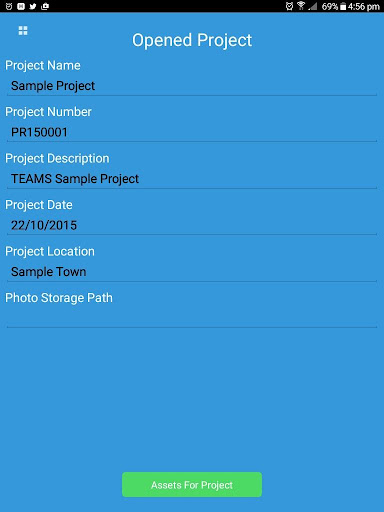
TEAMS is a total asset management system that enables asset location using GPS and marks the location on map and satellite image.
You can rate your asset's current condition and the risks that they pose with a customizable risk matrix, as well as recommend remedial action where required with photographic evidence. Any asset can have a number of audits eliminating the need to repeatedly insert asset information. All of this data can be transferred to your desktop computer or server using optional TEAMS Sync software so that historical records may be kept.
*** This is a limited trial version of TEAMS ***
Please note this demo restricts the use to one project with 5 assets only. Please contact TEAMS support if additional evaluation criteria are needed.
Key features include:
Locate Your Assets
Locate your Assets on maps and satellite images and keep record of their movements
Record Risks
Rate the Condition of your asset and risks that they present with photographic evidence
Manage Risk
Record control measures and remedial actions while on site and add more later using your PC
Structured Auditing
Take multiple photos of each asset so you can analize each component seperately
TEAMS Desktop
This optional addon utility allows you to view and edit your asset audit data as well as generate standard and customized reports which includes all photos and location data in both Excel and Word. This process keeps your data safe and organized but most importantly, it saves you huge amounts of time