Video Splitter for Status
com.surekhadeveloper.videosplitter.statusandstory
View detailed information for Video Splitter for Status — ratings, download counts, screenshots, pricing and developer details. See integrated SDKs and related technical data.
- No items.

Screenshots
Description
Do you facing video size issue to set your status and story on social media ?
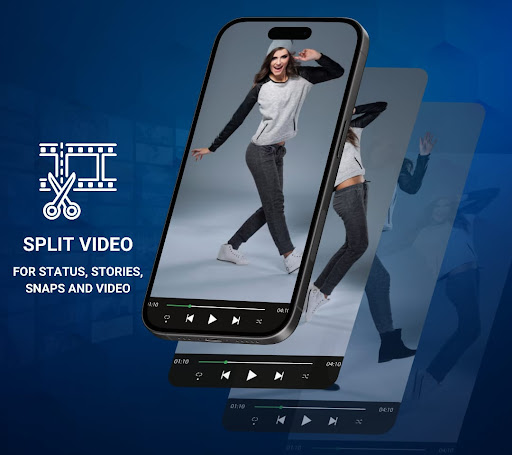
Video splitter story & status maker app solve your issue, app will convert your video in to segments which easy to set as stories and status.
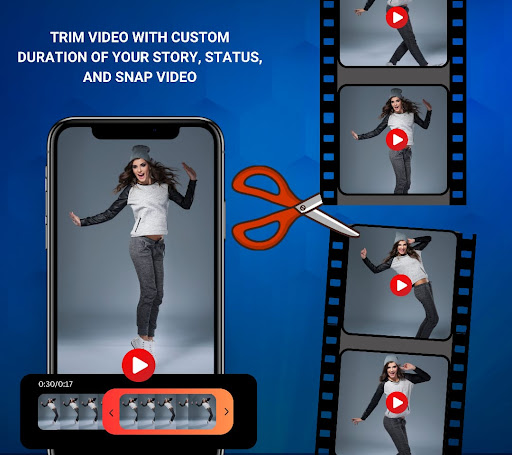
You can also split video into custom time duration and Trim video in your duration. it is very easy to use and split video for social media status and stories.
No matter how much long your video is, app will automatically split your video for
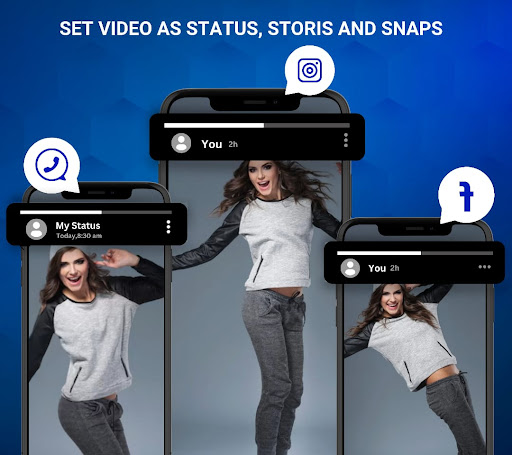
♥ whatsApp, ♥ Instagram, ♥ Snapchat and ♥ FaceBook. you can directly set that video as status and story, without any video length issue.
How to split video for status and story
→ This app is very easy to use, Just click on select button and pick your video to split in segment.
→ To split video select any social media like ♥ WhatsApp, ♥ Facebook, ♥ Instagram, ♥ Snapchat or other. you can direct see the story demo for each social media and also seen the number of approx part.
→ You can select two part video split option for split video into two different parts. Also you can trim video and make single video for your duration.
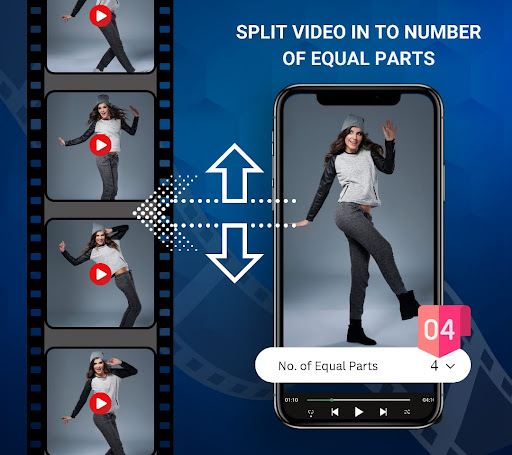
→ You can also split video in to number of parts. for that you will just select any Number (2,3,4) . app will automatically split video in to that number on parts.
→ Click on Create Button and your video is ready to share on story and status.
→ You will see the preview of each video. your created video will saved in to video work folder for feature usage.
Now you no need to use multiple app for updating your social media post, story, snap and status. This app will solve all your video length problems.