Study Comfort - ePub reader
com.studycomfort.app
View detailed information for Study Comfort - ePub reader — ratings, download counts, screenshots, pricing and developer details. See integrated SDKs and related technical data.

Screenshots

Description
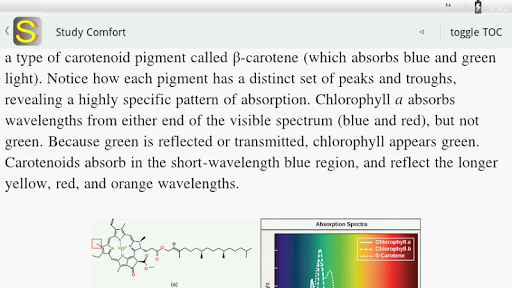
Study Comfort™ ("beta" version without limitations) is a high-performance innovative ePub reader for encryption-free e-books, intended to support serious study of school, college and other books by means of its advanced navigation and annotation features. It is also useful to easily browse huge and complex textbooks.
It displays full-layout HTML with large images; works on tablets, phablets, smartphones and Chromebooks.
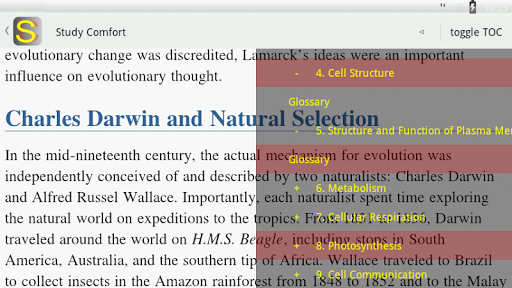
-Keep the place during study when jumping from a place to another in the book by means of 4 automatic bookmarks that follow you and appear on the Table of Content (ToC).
-Scroll the text or use the "special pagination"
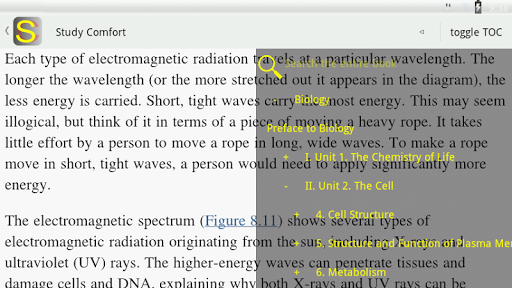
-Scroll the transparent ToC and scroll the book at the same time, for fast information retrieval;
-Annotate the book (upon words or even images) with:
- text notes (internal editor)
- flags (short text messages)
- web-links for cloud documents, cloud notes (from apps or browser), web pages, run Study Comfort side-by-side with other apps, drag&drop links (or cut&paste)
(compatible with all cloud/annotation platforms, even together; Android lets you choose how to open links, in apps or browser; notes/documents can be moved/organized in different cloud folders/notebooks - because cloud links usually stay the same)
- full documents of any format that you can attach from the filesystem and automatically open in their app.
You are not limited to just one document/link for each note;
you can also import note templates and create/edit notes in their app directly (only with compatible apps, like Google Docs).
--Note sync on different devices, cloud access to notes or LAN/SMB...; also other people's notes by means of virtual shared folders (when SAF cloud functionality will be available);
-Jump back to previous positions with dedicated button (when you tap on links to other positions in the book you are not lost).
-Set bookmarks.
-Show/hide the ToC at your will (it has advanced functions).
-Manage two set of notes and easily switch between them (for example, teachers can provide their students with an alternate set of notes).
-Highlight, underline, overline and strike through text.
-Perform multi-line text searches with no regard to punctuation, spaces, quotes and so on, also with special characters and diacritics (e.g. straße=strasse, epistulæ=epistulae, ångström=angstrom).
Privacy policy:
https://www.myqueries.info/privacy_policy_sc.html
System requirements: 1Ghz dual-core
ebooks in screenshots are:
"Biology" - © 2013 by Rice University - OpenStax College - licensed under Creative Commons Attribution 3.0 Unported License - Download for free at http://cnx.org/content/col11448/latest
"Le Vrai Régime anti-cancer" - Hachette Antoine - Vincent Gros - licensed under Attribution-ShareAlike 3.0 Unported (CC BY-SA 3.0) license - Download for free at https://code.google.com/p/epub-samples/downloads/detail?name=regime-anticancer-arabic-20130327.epub&can=2&q=
Some Study Comfort features or functions may not be working or available with all books, languages, writing systems or fonts.