DKB-TAN2go
com.starfinanz.mobile.android.dkbpushtan
View detailed information for DKB-TAN2go — ratings, download counts, screenshots, pricing and developer details. See integrated SDKs and related technical data.
Screenshots

Description
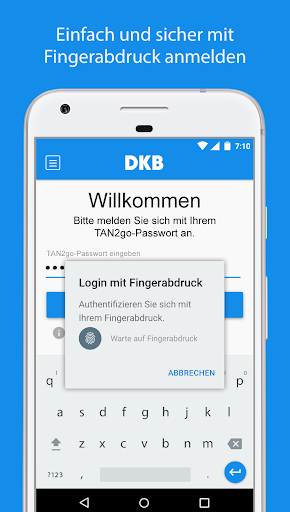
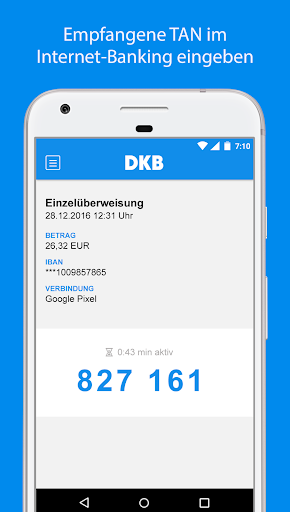
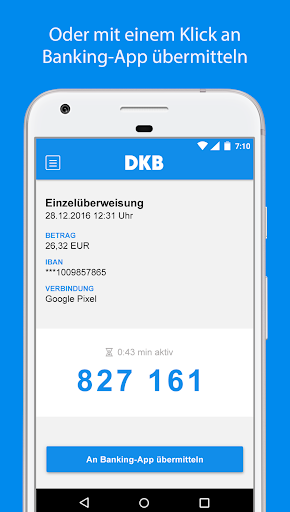
Our new banking is here: In the DKB app you can easily and conveniently approve transfers and other orders. You only need the TAN2go app for a few banking transactions.
LET'S GO
• Request a registration letter for TAN2go in your previous banking at www.ib.dkb.de/banking
• Download the TAN2go app onto your smartphone or tablet and enter an 8-digit password
• Link the TAN2go app with your banking
You can find more information about the TAN2go process and how to set it up in our FAQ on dkb.de.
Note on app permissions:
• The “Phone” authorization is absolutely necessary for device binding; without this authorization, app use is not possible.
• The “Camera” authorization enables the QR code to be read to link the TAN2go connection. Alternatively, the data can be entered manually.
SYSTEM REQUIREMENTS
• Your device has Android 5 or a newer version installed.
• Your device is not rooted: The TAN2go procedure is not offered for Android devices with root access. The high security standards for mobile banking cannot be guaranteed on rooted smartphones. Rooting often comes from the manufacturer of your device. An update of the operating system is often sufficient.
• There is no screen reader installed on your device: If a screen reader is installed on your mobile device, requested TANs can be read and misused. Therefore, using a screen reader is not possible. To use the TAN2go app, uninstall the screen reader (often under Settings > Accessibility).
• For the TAN2go app to function fully, please do not use Android beta versions.