DVR
com.ssm.sp2
View detailed information for DVR — ratings, download counts, screenshots, pricing and developer details. See integrated SDKs and related technical data.
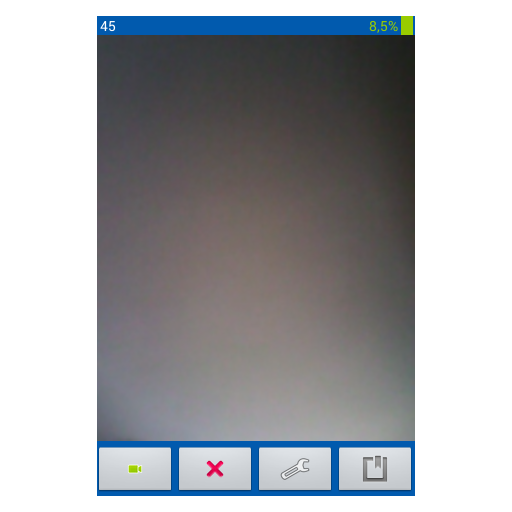
Screenshots


Description
If you bought yourself a new phone and do not know what to do with the old phone with Android 4.2 and higher, then such a phone can be used as a video recorder, placing it in a garage, at the cottage, utility and other premises.
SIM card is not needed, but only a memory card.
The program is designed for security functions, when it is necessary to check the visit of foreign objects. The program has a similar "not active phone" function, when the phone looks like it's off, but the phone works on motion detection and saves images. The program will be useful to see what happened in the room without your presence. The images are not permanently stored, but only when the value set in the application settings is exceeded in the room. This indicator is expressed as a percentage, and is determined directly by experience in the room.
How to work:
Pressed the recording and the screen went out.
You can not press the deactivate button of the phone!
To return the application to the screen, press the cancel button on the phone.
The screen is displayed. The recording continues! (if you cancel again, the screen will again "go out"). And clicking on the record button (red color camera) and recording will stop. The camera button turns green.
By pressing the button, canceling the screen will go out, it will appear.