Quick Kannada Keyboard
com.srctechnosoft.eazytype.kannada.free
View detailed information for Quick Kannada Keyboard — ratings, download counts, screenshots, pricing and developer details. See integrated SDKs and related technical data.
Screenshots
Description
Easy way to type Kannada
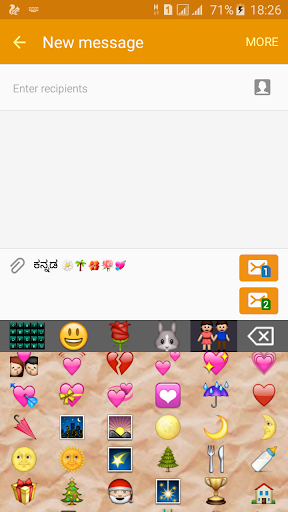
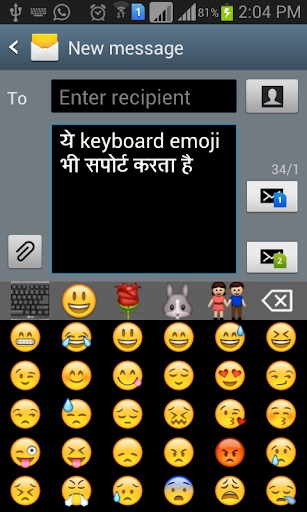
Quick Keyboard provides the option to type Emoji icons in you message like Whatsapp,
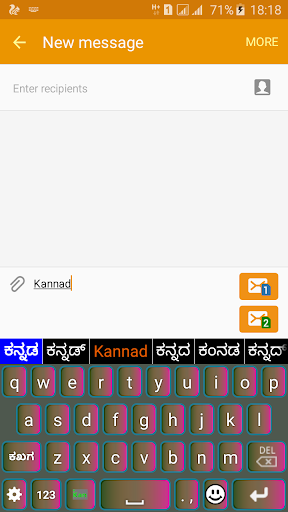
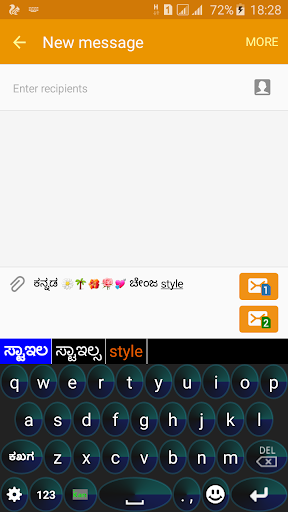
This is a Soft Keyboard to type Kannada on your Phone. You can type easily on any app like Gmail, Facebook, Whatsapp. you can write blogs in Kannada in web browser. This keyboard works as default keyboard in android phones/tablets. No need to learn specific Kannada keyboard. Just type in English and press space you English word will be converted into Kannada script automatically. This keyboard provides word suggestions to type in a fast way. This Keyboard provides English typing option to type in English. if you want to type in English just press toggle button to switch English to Kannada or Kannada to English.
If your are able to read "ಗ್ರೀಟಿಂಗ್" (Kannada text) in your mobile phone, If you can read Kannada text on your phone, you may install this application.
Please see video to know how it works.
Installation.
1. Download and install this application on phone.
2. Open EzyType's Home screen. there are two button on screen (i) Enable Keyboard (ii) Choose default
3. Press 'Enable Keyboard" button and select Quick Keyboard to enable this keyboard
4. Press "Choose default" button and choose Quick Keyboard as default keyboard.
OR
2. Go to "Setting"->"Language and Input" and tick in check box on Quick Kannada
3. Go to any text filed in which you want to type.
4. Drag Notification bar (On the top of Screen of Phone). Tap on "Select input method"
Now Select "Quick Kannada" (On a popup)
OR
Long press on text field and choose "Input Method".
Now Select Quick Kannada (On a popup)