PDF to JPG Converter : Image C
com.souryator.pdftojpg
View detailed information for PDF to JPG Converter : Image C — ratings, download counts, screenshots, pricing and developer details. See integrated SDKs and related technical data.
Screenshots



Description
PDF to JPG Converter | PDF to Image Converter : Free | Offline
* Easy to use, efficient, reliable and lightweight
* Faster conversion for large PDF files
* Open any PDF directly from File Manager
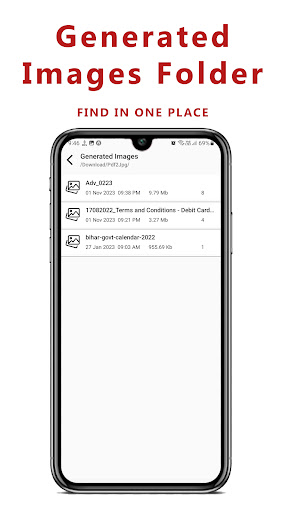
* View Generated images
* Convert Pdf in multiple formats- JPG, PNG, WEBP
* Convert All Pages or Single Page or Page Range
* Edit image - rotate, flip and crop
* Share converted or edited image
* Get current and total number of image on the top of the screen
* Android 11 support
*** Features ***
Converter : Simple and easy to convert PDF file into images with desired format (JPG, PNG, WEBP)
Quality : Select image quality (Original, High, Medium or Low) before conversion
Page Range : Choose page range (All, Single or Between specific numbers) of the selected PDF file
Details : Get the details of selected Image
Zoom : Zoom In and Zoom Out Image depending upon your requirement
Steps to Convert PDF to JPG:
1. Select PDF file using + icon.
2. Choose Image type, quality and page range from dialog box
3. Convert to image/images.
4. View all generated images folder in list.
5. View image with zooming feature.
6. Easy to edit and share the selected image with your friends.
It is free and can be used offline.