Watch Shortcuts
com.smartwatch.watchface.wearos.wear.watchsyncapp.wearoslauncher.shortcutsapp.shortcuts.watchshortcuts
View detailed information for Watch Shortcuts — ratings, download counts, screenshots, pricing and developer details. See integrated SDKs and related technical data.
- No items.

Screenshots
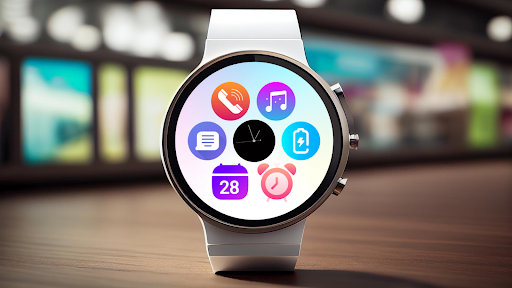
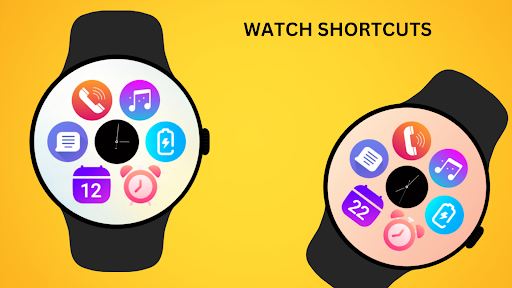
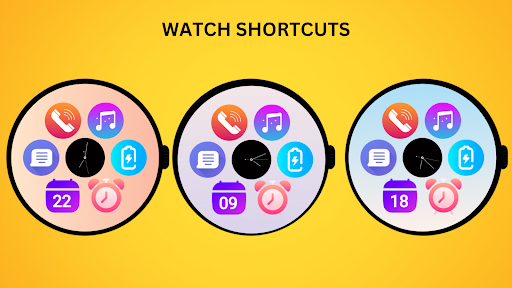

Description
Enhance your Wear OS experience with the Watch Shortcuts - Watch Face! Get quick and easy access to essential apps like Phone, Music, Messages, Calendar, Alarm, and Battery Status, all with a single tap from your watch face.
Stay connected and efficient with Watch Shortcuts - your gateway to seamless app navigation on your smartwatch!
⚙️ Watch Face Features
• Customizable shortcuts for frequently used apps
• Easy access to essential tools like Phone, Music, and more
• Clean and intuitive design for efficient navigation
• Ambient Mode
• Always-on Display (AOD)
🔋 Battery
For better battery performance of the watch, we recommend disabling the "Always On Display" mode.
After installing the Watch Shortcuts , follow these steps:
Open the Companion App on your phone.
1)Tap "Install on Watch".
2)On your watch, select the Watch Shortcuts from your settings or watch face gallery.
3)Your watch face is now ready to use !
✅ Compatible with all Wear OS devices API 33+ including such as Google Pixel Watch, Samsung Galaxy Watch etc.
Not suitable for rectangular watches.
This version clearly states that the app is specifically for Wear OS and highlights its features and functionality.
Thank you !