Russian English Bible
com.skyraan.russianenglishbible
View detailed information for Russian English Bible — ratings, download counts, screenshots, pricing and developer details. See integrated SDKs and related technical data.

Screenshots

Description
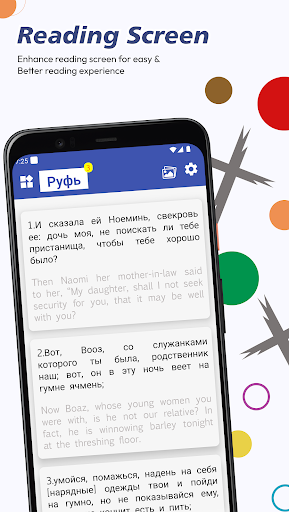
The Bi-lingual version of Russian–English Bible is established in a single application. The righteous meaning of a Verse in the Holy Bible Scripture is now readable in two languages simultaneously. There are other languages in the bi-lingual app, with inclusion from the Oly Bible brand turning the novel readers into Bible readers in easily understanding the wordings of God Jesus. Read the Holy Bible in your mother tongue accompanied by English; here, it's Russian and English parallel Bible.
Features:
Bible: Read the entire content in the final Verses.
Old Testament: The books are concluded with the first division of Christian Bibles.
New Testament:The second most division of Christian Bibles.
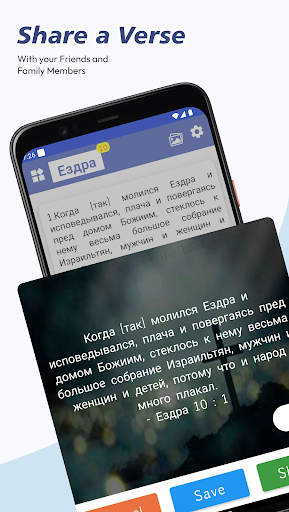
Quotes: Image quoted with the Verse.
Continue Reading:Resume reading process where you left off.
Videos: Go through the life lessons by God Jesus.
Wallpapers: Fill the backgrounds of the mobile screen with pictures.
Search: Looking for a particular term in the whole Verse.
Daily Verse: Get an alert with a Verse a day.
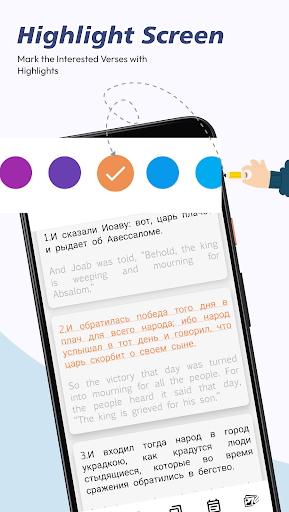
My Library: The markings of Verse in particular categories.
Festival Calendar: Lookover to celebrate the Festivals and Events of Christianity.
App Settings:
Dark Mode: Make the bible reading in the dark mode with text inversed in white color and background color in black.
Font Settings: Kindly Select the Font Family and set the Font size in the application.
Themes: Change the color theme of the complete application from the available color palette.
Notification Alarm: Set the verse on a daily alarm that one is notified at a particular time.
Reset: It repositions all the settings changes alone to the default one.