SITRANS mobile IQ
com.siemens.sitransmobileiq
View detailed information for SITRANS mobile IQ — ratings, download counts, screenshots, pricing and developer details. See integrated SDKs and related technical data.
Screenshots
Description
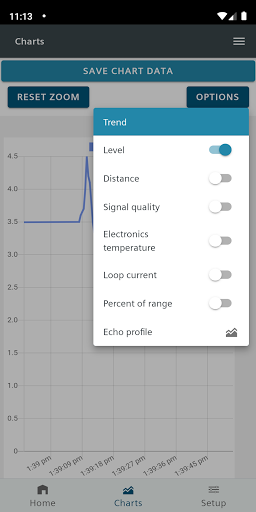
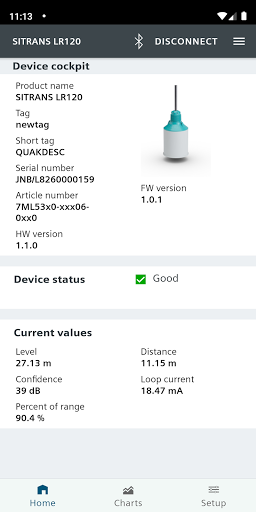
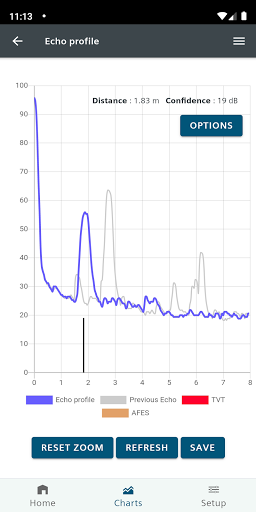
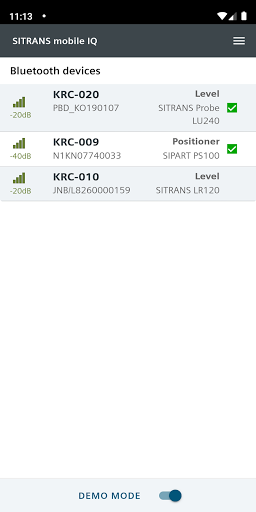
SITRANS mobile IQ is an App for mobile devices, which allows eligible service technicians to monitor and parameterize compatible field instrumentation via a Bluetooth interface. SITRANS mobile IQ uses a Bluetooth interface to communicate with the field devices. Your mobile device must have a Bluetooth interface, version 4.2 or better. Supported field devices are SIEMENS SITRANS LR100, LR110, LR120, LR140, LR150 and MAG8000-LORABLE. With the availability of the Bluetooth Adapter AW050, the SITRANS LU240, SIPART PS100, LR500 Series, PS2 and FMT020 are supported as well. For additional information and restrictions (e.g. required firmware versions), kindly refer to the respective product documentation. Field Devices not listed here may not be connected to the SITRANS mobile IQ and are currently not supported. This app allows you to list all supported field devices that are in range, to display the status of a connected field device and display measurement values of a connected field device. Selected values like e.g. level measurement or echo confidence can be displayed in a chart. SITRANS mobile IQ enables you to change the parameters of the connected field device and also copy parameters from one device to another (cloning). SITRANS mobile IQ can open a link on your mobile device to FAQ, application examples, manuals and further information for the type of the connected field device.