ScoutFinder
com.shenzhen.android.scout
View detailed information for ScoutFinder — ratings, download counts, screenshots, pricing and developer details. See integrated SDKs and related technical data.

Screenshots


Description
This app is used to match with key finder, ‘Scout,’ which is controlled by your blue tooth function on your device.
Functions:
To connect your Scout to the app, tap the ‘Scan’ icon in the device list to connect to the key finder Scout.
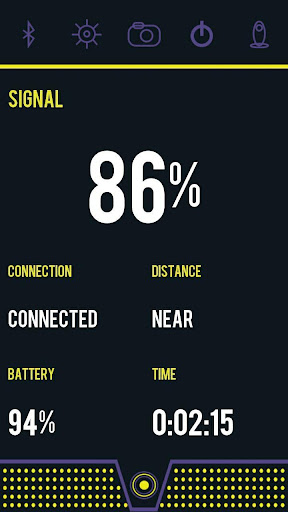
The main function of this app is to find your keys or other valuables that are connected to your Scout. Tap the Scout icon on the bottom of the main page to locate Scout. Scout will start ringing when located. Follow the sound and distance features on your app to successfully locate Scout.
Similarly, you can use Scout to locate your phone. Press the button on Scout to ring your phone and follow the sound to locate it.
When Scout goes out of range, the app will alert you.
Remote Shutter
Tap the camera icon to launch the camera in the app. Press the button on the Scout to trigger the phone to take picture or video.
Lost Location History
When the connection is broken, the app will add a pushpin on the map. It informs you when and where you lost Scout.
Settings Function
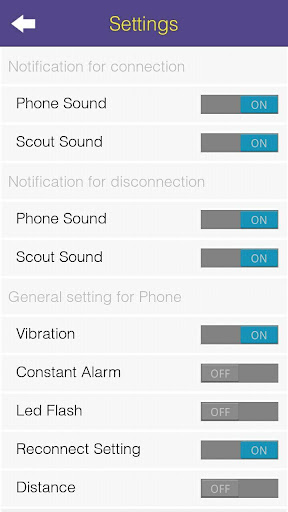
You can turn on/off the Phone Sound and the Scout Sound when the connection is paired or
Broken. Also, you have an option to set vibration and flash when Scout is ringing.
You can also set the Alarm Distance, NEAR or FAR and select the Ringtones for each.