Add text to the photo
com.sertanta.textonphoto.textonphoto
View detailed information for Add text to the photo — ratings, download counts, screenshots, pricing and developer details. See integrated SDKs and related technical data.
Total installs
4.4M(4,499,928)
Rating
4.2(104 reviews)
Released
February 5, 2017
Last updated
January 15, 2026
Category
Photography
Developer
Sertanta
Developer details
Name
Sertanta
E-mail
vasilyevat@gmail.com
Website
unknown
Country
Russia
Address
unknown

Screenshots



Description
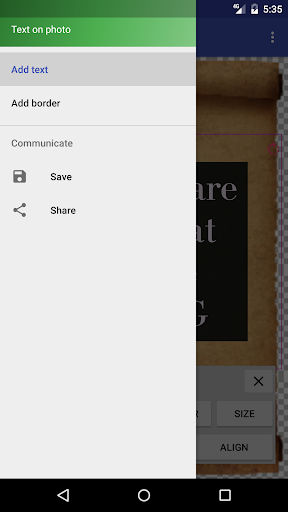
You can change a color, a size, a position, an angle, a background, a shadow of your text, add a contour text.
Use for any social network (Instagram, facebook, etc.) for сongratulations, for ad.
You can move a text or a panel.
You can rotate a text (using an around arrow in the corner).
Now you can upload your fonts to the app.
How to do it? First, find the font you need (for example, type "fonts free" in the search engine). Next, open the application and click "Load my font". Select the font and click "Done". Now your font appears at the top of the list of all fonts.
Do you have any ideas to improve the app? Please, write us to vasilyevat@gmail.com. Thanks!