Do not call - Block Secretly
com.secops.ez_screening_v1
View detailed information for Do not call - Block Secretly — ratings, download counts, screenshots, pricing and developer details. See integrated SDKs and related technical data.

Screenshots


Description
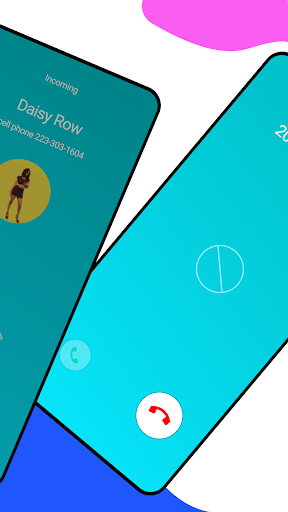
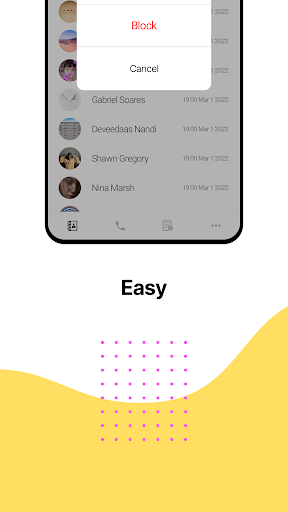
Secretly Block calls
Create your own blacklist
We have two modes of blocking calls
Stealth mode will block calls without anyone noticing that calls are being ignored
- Stealth mode is recommended to calls from family, friends or anyone who should not know they’re blocked
R mode will decline spam calls immediately
- R mode is recommended to normal spam calls that are just annoying you
Set different mode for each caller according to your needs
Create whitelist
All calls can be blocked except whitelist
- Whitelist has it’s own mode switch
Block unwanted calls
Try “Do not call”
Block spam calls automatically by the blacklist made up on your own.
Create your own Blacklist made up of annoying, unwanted phone numbers, and “Do not call” will block all calls coming from those phone numbers.
Permissions needed;
Contacts - Required for detecting whether a number was already saved on your phone, so you can easily determine a contact and an unknown number.
Manage Calls - Required for detecting phone numbers and callers.
Call logs - Required for fetching your call history, so you can block anyone on it.