BHIM-Aadhaar-SBI
com.sbi.aadhaarpay
View detailed information for BHIM-Aadhaar-SBI — ratings, download counts, screenshots, pricing and developer details. See integrated SDKs and related technical data.

Screenshots
Description
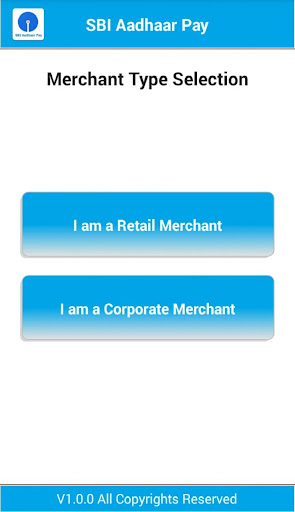
BHIM-Aadhaar-SBI empowers merchants/traders/small business to collect payment from customers in a hassle-free way. No need for PoS device installation, swiping of cards and no more dependency on cash.
Be a merchant on BHIM-Aadhaar-SBI platform with your Aadhaar Seeded account – it’s as easy as 1-2-3 and won’t take more than a minute. Experience ease of digital payment and power your business.
Collect payment 24x7 anywhere
What devices do you need?
- Android mobile (OS v 4.2 - Jelly Bean and above) with OTG support
- STQC certified FP scanner (please check https://mab.sbi.co.in/mu/BHIMAadhaarSBI.html for list of compatible devices. Finger Print scanners integrated with mobiles will not work with the app.)
- Data connection on your mobile.
How to get started?
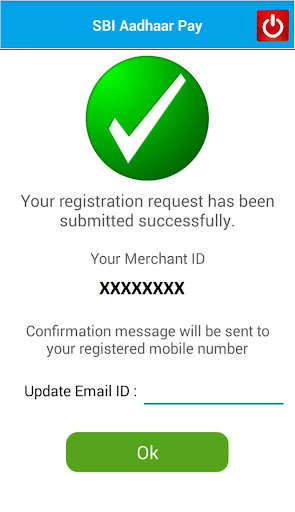
- Register yourself as merchant in the App.
- Connect compatible finger print scanner to Android mobile. Validate yourself with your Aadhaar and select the Aadhaar linked account in which you want to receive the payments.
- Set MPIN in application. And you are ready to go
What you need to do?
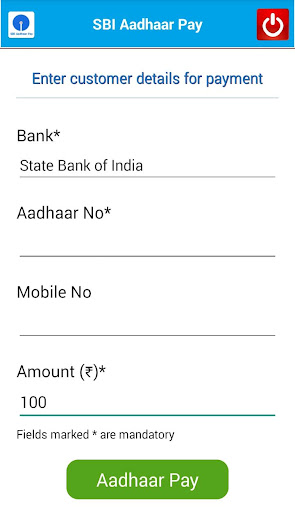
- Put customer’s Aadhaar number and select bank (Customer’s Account should be Aadhaar seeded)
- Enter transaction amount.
- Capture customer’s fingerprint.
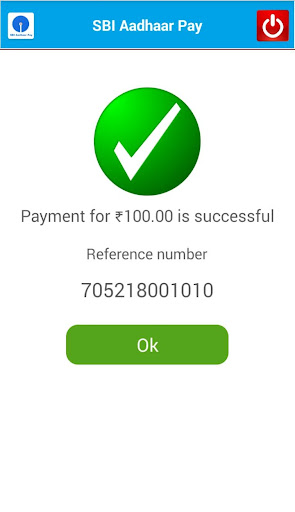
- On successful validation, amount is credited in your account. All this in few seconds.