Smart Music Light
com.rst.application
View detailed information for Smart Music Light — ratings, download counts, screenshots, pricing and developer details. See integrated SDKs and related technical data.
Screenshots



Description
Product functions:
1. music player (music list, music play).
2. light adjustment (brightness, color adjustment, turn on/off).
3. sleep mode (light dimmed until being off within the setted time).
4. Flicker (Effect of lighting flicker).
5. Pulsation (Effect of lighting pulsation).
6. Rainbow (Effect of rainbow).
7. Spectrum (The light changes with music rhythm).
8. Bougie (Effect of candle lighting).
For Android system connection:
1.Turn on power switch after installing the bulb
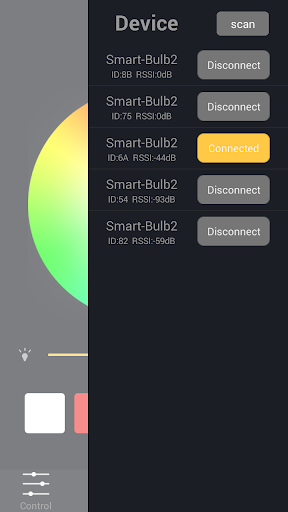
2.Open the App"Smart Music Light"on your device,allow to turn on Bluetooth.
3.Click the device (which is on the top right corner) to search and pair with "Smart Music Light"(or "Smart-Bulb2") to connect the bulb.
System version:
Above Android 4.0 version