RICOH Streamline NX for Admin
com.ricoh.mdm.slnx.mobile
View detailed information for RICOH Streamline NX for Admin — ratings, download counts, screenshots, pricing and developer details. See integrated SDKs and related technical data.
Screenshots


Description
To use this application, server software of RICOH Streamline NX V3 or later version is required. For customers who wish to use this, please contact your nearest RICOH subsidiary or distributor.
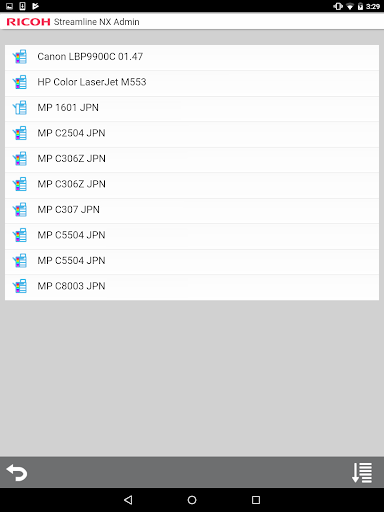
When connected to RICOH Streamline NX, RICOH Streamline NX for Admin allows for highly efficient device management. In addition to displaying a list of managed devices and device overviews, it allows users to upload photos and register them to devices in RICOH Streamline NX.
Major features:
- Display a list of managed devices
- Display a list of devices encountering errors, out of toner, and out of paper statuses
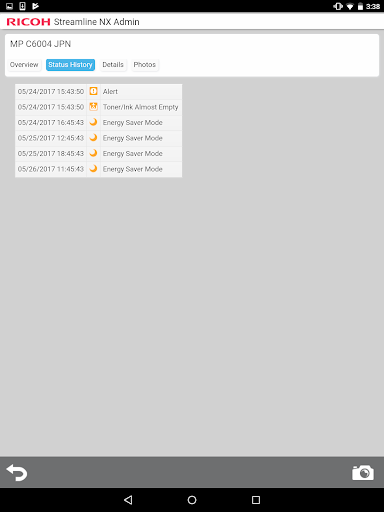
- Display device overviews, details, status histories, and photos
- Upload photos to RICOH Streamline NX
Usage preparation:
1. Turn on the Mobile Device Access function in RICOH Streamline NX.
2. Start RICOH Streamline NX for Admin on the smart devices and configure the connection to RICOH Streamline NX.
NOTE: Limitation – if using SSL, self-signed certificates are not supported. The Core server must be using an SSL certificate issued by a trusted certificate authority.