Steampunk Clock Live Wallpaper
com.ratana.jazzcat.steampunkskullclock
View detailed information for Steampunk Clock Live Wallpaper — ratings, download counts, screenshots, pricing and developer details. See integrated SDKs and related technical data.
- No items.
Screenshots


Description
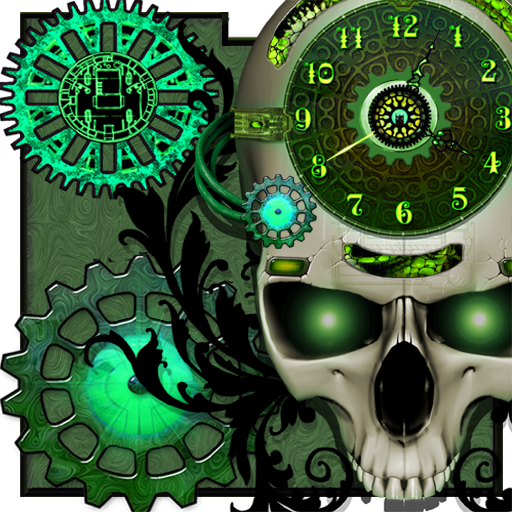
Live Wallpaper featuring a Steampunk Skull Clock with 6 complete themes, rotating gears, animated lights and many customization options. People have been asking for us for a clock, and we're excited to finally bring this to you!
This full version also features a configurable vintage film effect with frame flickers, dust and scratches! For fans of steampunk, science fiction, horror, technology, the victorian era, droids, clockwork, and our other steampunk skull and droid wallpapers. With HD textures for the next generation of devices.
- 6 Color Themes: Steel Blue, Neon Green, Mercury Red, Blacklight Purple, Bronze, Monochrome
- Control the gear speeds, background scrolling, display elements, clock features
- Sweeping second hand, or a deadbeat seconds hand complication
- Optional Gestures: double tap to cycle backgrounds
- CPU/Battery saving setting
- Configure many animation settings and the optional film effect
- Uses high-res textures for the next generation of tablet and phone displays
- Works great with the other steampunk launcher themes in the market
None of our wallpapers require any permissions.
Another collaboration featuring the artwork of artist Cat Spencer.
protip: use 10FPS as the cpu setting, put on the Old Tyme Film Effect, and select the gray theme for a true old fashioned janky film experience! :)
Please contact us with feedback or if you encounter any issues.