QR Code Scanner
com.qrlottoscanner
View detailed information for QR Code Scanner — ratings, download counts, screenshots, pricing and developer details. See integrated SDKs and related technical data.
Total installs
122.1K(122,119)
Rating
4.2(4 reviews)
Released
January 27, 2019
Last updated
June 29, 2025
Category
Tools
Developer
OkSoft
Developer details
Name
OkSoft
E-mail
fish0486@gmail.com
Website
unknown
Country
South Korea
Address
unknown
Screenshots

Description
The QR code can be opened as a web page.
How to use:
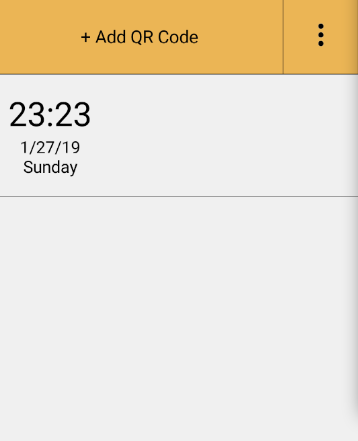
You can scan the QR code by clicking the + button and then clicking the QR code icon in the upper right. If you click the magnifying glass icon in the second line, you can open the URL read by the QR code as a web page. If you click the Run button in the 3rd line, random numbers will be generated. You can set the random number range using the number range options on lines 5 and 6. Click the confirmation button at the top to save the QR Code Scanner.