Video Splitter - Status Maker
com.psma.videosplitter
View detailed information for Video Splitter - Status Maker — ratings, download counts, screenshots, pricing and developer details. See integrated SDKs and related technical data.

Screenshots

Description
Split video for Status & Story. Fast video cutter & status maker. No Watermark!
Get the simplest Video Splitter on the Play Store. Stop struggling with complex video editor apps just to cut long videos. Our app does one thing perfectly: it cuts your videos for social media.
This is the ultimate Status Maker and Story Cutter for users who value speed. Whether you need a Status Splitter for WhatsApp or an IG Story Splitter for Instagram, our app gets the job done in seconds.
KEY FEATURES:
✅ FAST & EASY: A clean, simple interface. Split video files with just two taps.
✅ NO WATERMARK: Your videos are always clean. We never add a watermark.
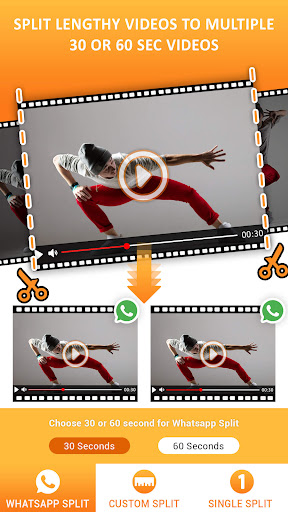
✅ STATUS SPLITTER: Automatically cuts long videos into perfect 30-second clips for your WhatsApp Status.
✅ STORY CUTTER: Divides your videos into 15-second segments for seamless Instagram, Facebook, or Snapchat stories.
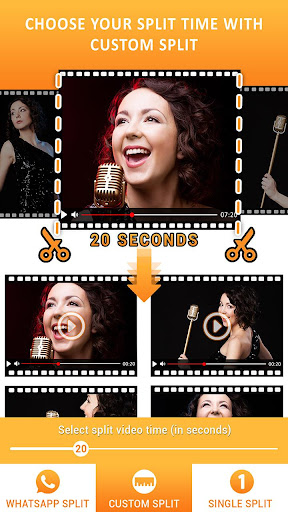
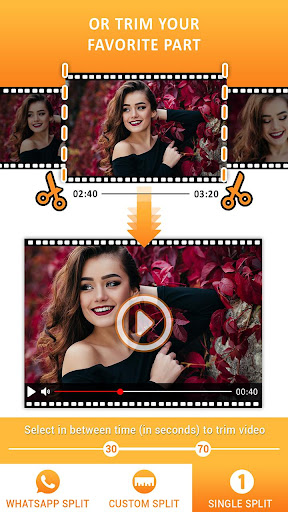
✅ VIDEO CUTTER & TRIMMER: Use the custom mode as a video trimmer to cut video files to any length you need.
✅ REELS & SHORTS SPLITTER: This video slicer is also perfect for preparing clips for Instagram Reels and YouTube Shorts.
✅ HIGH QUALITY: Maintains the original video quality. No compression, no blurriness.
✅ WORKS OFFLINE: No internet? No problem. It’s a video divider that works anywhere.
HOW IT WORKS:
Choose your video.
Choose your split option (e.g., Status, Story, Custom).
Save.
That's it. Your new clips are saved to your gallery, in order, ready to be shared.
Download the best Video Splitter today and start sharing your full stories without the hassle!