Photo Editor- Painting Filter
com.photoarteffect.paintart.photoeditor
View detailed information for Photo Editor- Painting Filter — ratings, download counts, screenshots, pricing and developer details. See integrated SDKs and related technical data.
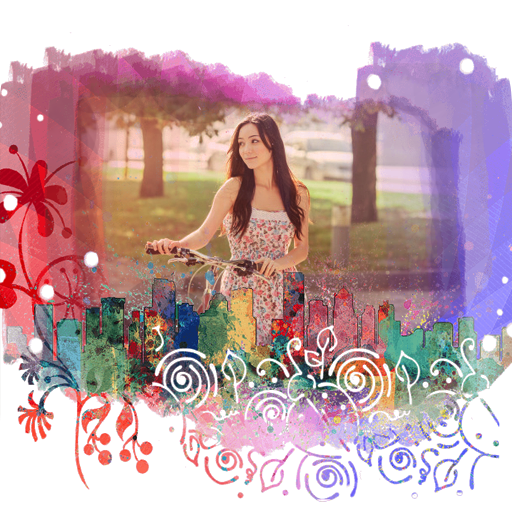
Screenshots
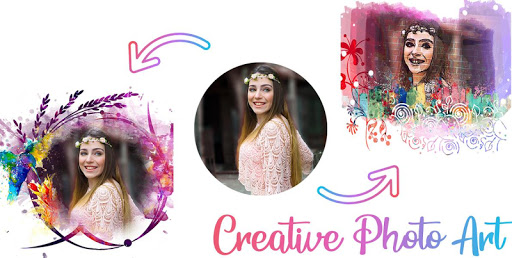
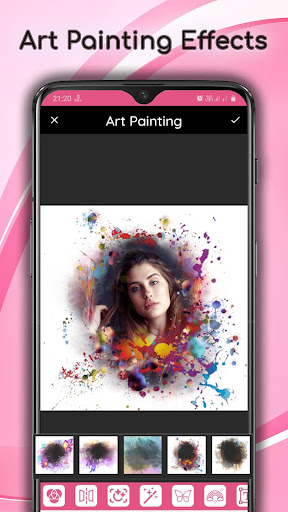
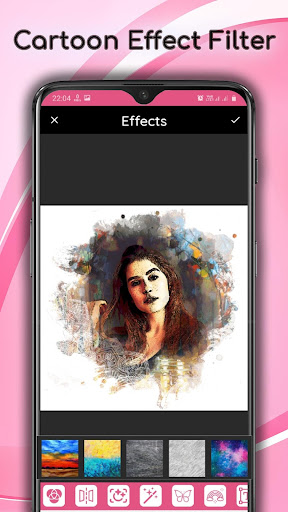

Description
The ultimate Picture Art Painting Filter Editor app for high quality photo filter lovers, that transforms photos and selfies into famous fine art paintings.
Use free art filters and art effects. Choose from more than 36+ art styles and find your favourite photo art effect.
Painting Art Photo Editor is more than filters and better than photo effects. It's a place where masterpieces happen right out of your photos. And it's you to decide what kind of art technique to base it on.
For example, you may want to convert a photo to sketch, pencil drawing or Art Photo Effects. And not to some abstract, exactly you have got this Art Photo Editor app. Well, usual photo editing apps would have probably given up here.
Picture Art Painting Filters Effects features:
- Use photos from your gallery and camera.
- Cartoon effects, layer editing, Pencil sketch effect, sketch & paint effect, HDR Effects.
- Adjust color, add effects, frame, clone and draw on your photos.
- Artwork effects, cartoon filters and picture editor.
- Adding text, images or shapes.
- Easy rotation, crop or resize of photos.
- Make your own meme.
- Add Picture Quotes.
- Add Painting Filter.
- Easily edit with the touch and pinch-to-zoom interface.
- View, edit, or delete your edited Image. Also re-edit that image.
- Save your final result to your gallery and on your SD card.
- Sharing with your friends, family and followers on Facebook, Instagram and more social apps.