Picture Scan: PDF Scanner
com.pdfscanner.picturescan
View detailed information for Picture Scan: PDF Scanner — ratings, download counts, screenshots, pricing and developer details. See integrated SDKs and related technical data.

Screenshots



Description
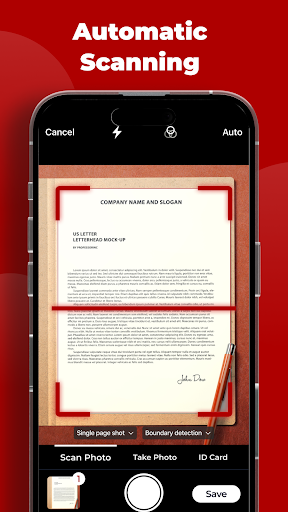
Effortlessly convert various images into PDF format. Import photos or scan physical documents using a camera and effortlessly convert them into PDF files. This includes various types of files such as receipts, invoices, forms, business cards, certificates, whiteboards, ID cards, and more.
1. Manually select the file you wish to import.
2. Select desired output format (DOCX, PDF, JPG, TXT, etc.).
3. Begin the conversion process! It will only require a few seconds.
4. Save or share file according to preference.
5. Support for converting files in the following commonly used formats: DOC, DOCX, HTML, ODT, PDF, RTF, TXT, JPG, PNG, JPEG, PNG.