Passbolt - password manager
com.passbolt.mobile.android
View detailed information for Passbolt - password manager — ratings, download counts, screenshots, pricing and developer details. See integrated SDKs and related technical data.

Screenshots

Description
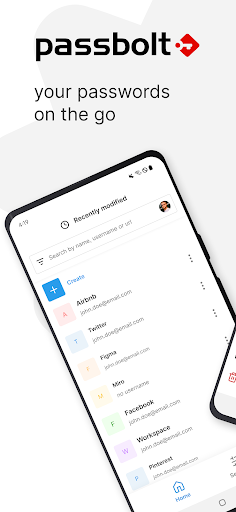
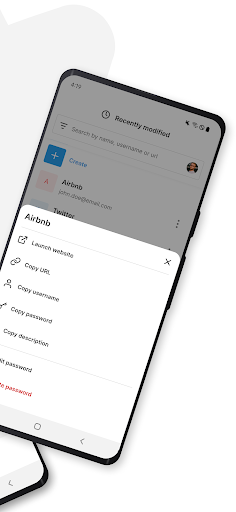
Take your team's passwords with you wherever you go by downloading Passbolt's open-source mobile app. It offers all the beloved features of the web application, including industry-leading password sharing security, form autofill, plus biometric and multi-factor authentication.
Why choose Passbolt mobile?
- Setting the highest standards in password collaboration security.
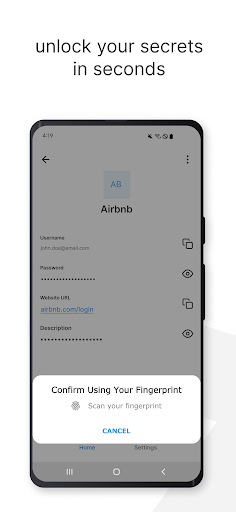
- Biometric authentication allows you to log in and access your passwords using fingerprint or facial recognition.
- Secure MFA login is enhanced with NFC-enabled Yubikey support.
- The autofill feature simplifies credential input on your mobile device.
- Fully Open Source.
Passbolt is based in Luxembourg and complies with the EU's strict data privacy regulations. The app's security model follows strict end-to-end encryption principles. A key aspect of this is the secure transfer of private keys from the browser to the app, achieved offline through the scanning of multiple QR codes.
Accessibility Features: Passbolt utilizes these features provided by Android to assist you in signing into both web and native applications using the credentials stored in it.
Discover more at passbolt.com.