WiFi Baby Monitor (with ads)
com.papenmeier.wifibabymonitor.free
View detailed information for WiFi Baby Monitor (with ads) — ratings, download counts, screenshots, pricing and developer details. See integrated SDKs and related technical data.
Screenshots


Description
Free version (ad-based) of our "WiFi Baby Monitor" app.
Connect two devices (smartphone, tablet, PC, ...) to a modern baby monitor through your local WiFi network.
Features of this free version:
* Audio transmission on noise detection
* Connect through WiFi network
* End-to-end encryption: Encrypt all audio and video data with a custom password
* Show battery charge level of baby device and warn on low battery
* Alarm on connectivity issues
* Support for temperature and humidity sensors (see our homepage for details)
* Low data consumption
* Alternatively connect through Wi-Fi Direct (supported hardware required)
Note:
If you have bought the paid full version of the app on the baby device, then you can also download this free version of the app on the parents device and use all its functions in connection with the paid full version on the baby device.
Additional features available in the full (paid) version of the app:
* Pictures and Video
* Control camera LED from parents device
* Talkback: Talk with your baby
* ad-free
Desktop version of the app (Windows / Mac):
Download at: http://www.babyphonemobile.com/
How it works:
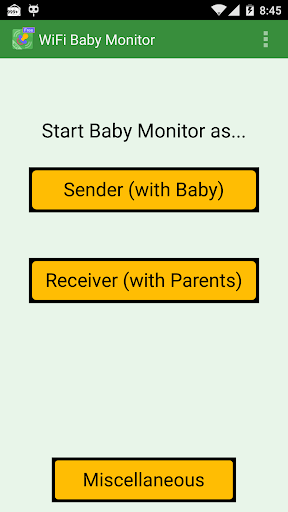
1.) Install the app and start it as baby device on your first phone or tablet
2.) Install the app on your second phone or tablet and connect it as parents device by entering the IP shown on the baby device
3.) Done!
Beta test:
Do you want to be among the first to test new features of our baby monitor app? Then please join our beta test:
https://groups.google.com/forum/#!msg/babyphone-mobile/3qpRq9Tz1M0/PgXAzVQoAQAJ
We are looking forward to receiving your valuable feedback!
Questions or Problems?
For further support, please check our FAQ: http://www.babyphonemobile.com/eng/faq or contact us: info@babyphonemobile.com
(Note that our support team speaks only English and German)
Do you need more range (3G/4G)?
Then try our "BabyPhone Mobile" app to connect your devices through the internet using 3G, 4G, or WiFi.